Note that the process described in this guide is applicable only to Institutional Managers. If you would like to create an institutional account on Eigo.AI please contact us.
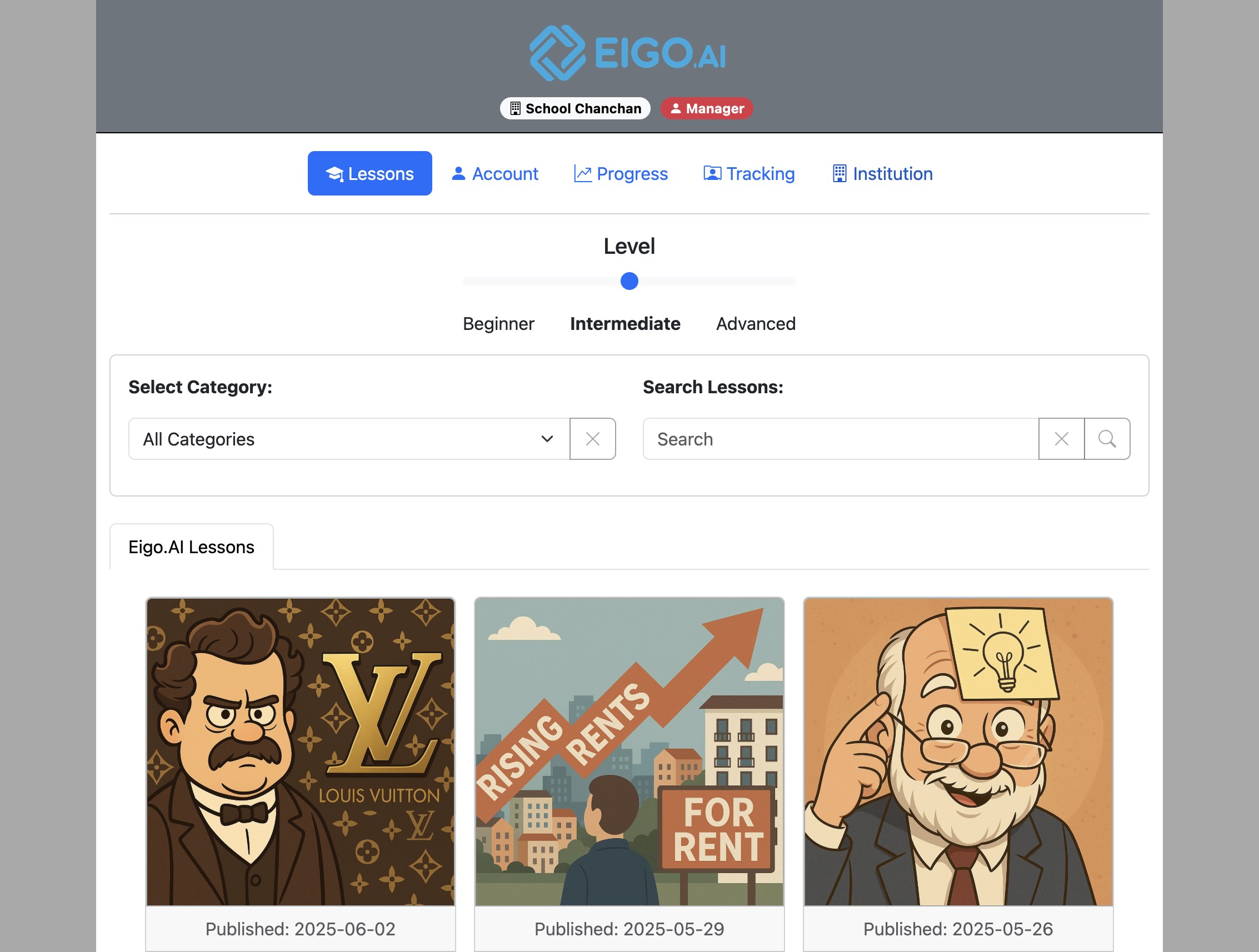
Navigate to https://eigo.ai/lessons/and click "Institution".
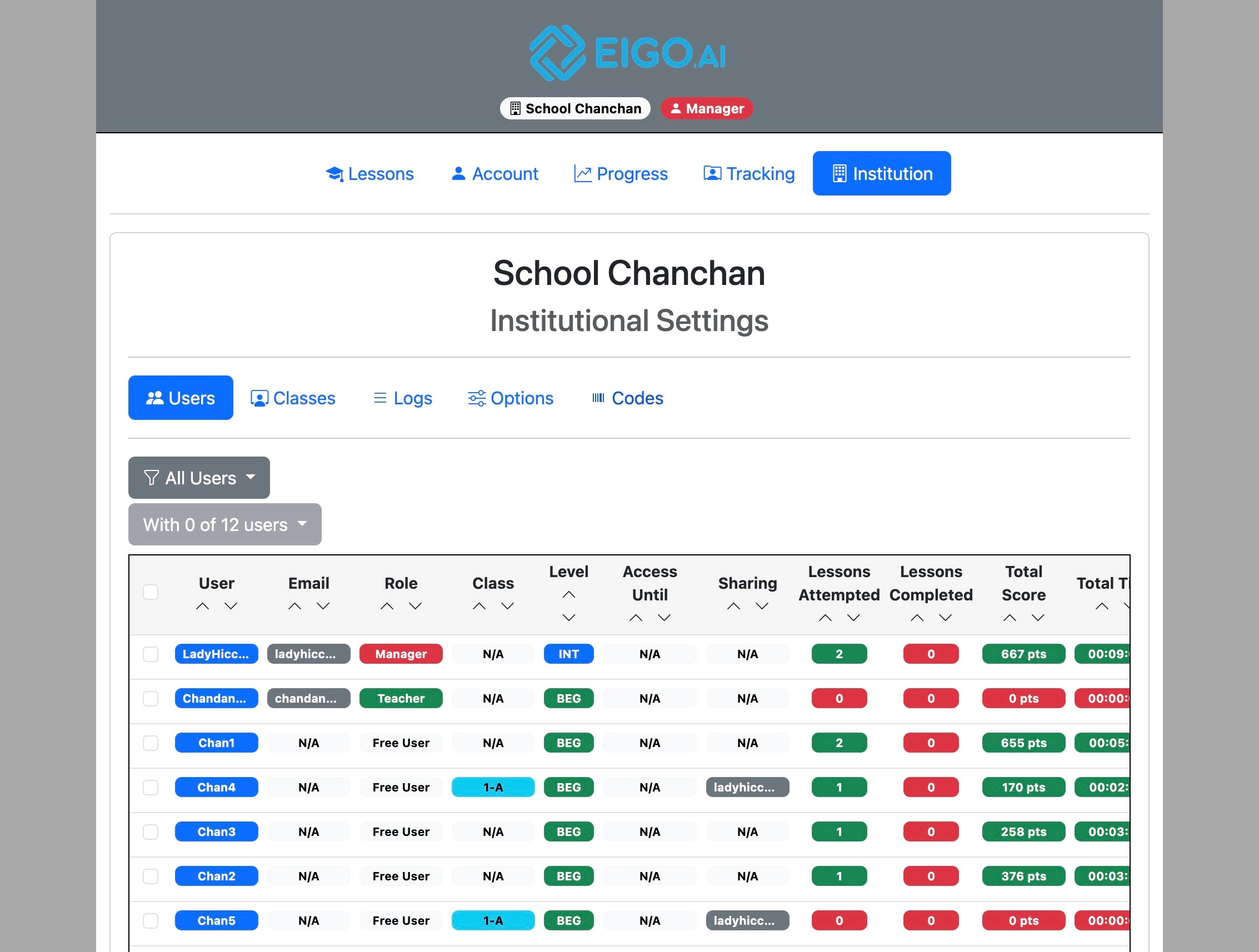
Click "Codes".
'Subscription Plan', 'Duration' and 'Code' provided by Eigo.AI are displayed along with the date of code creation. Once a code is redeemed, the date of redeeming is displayed.
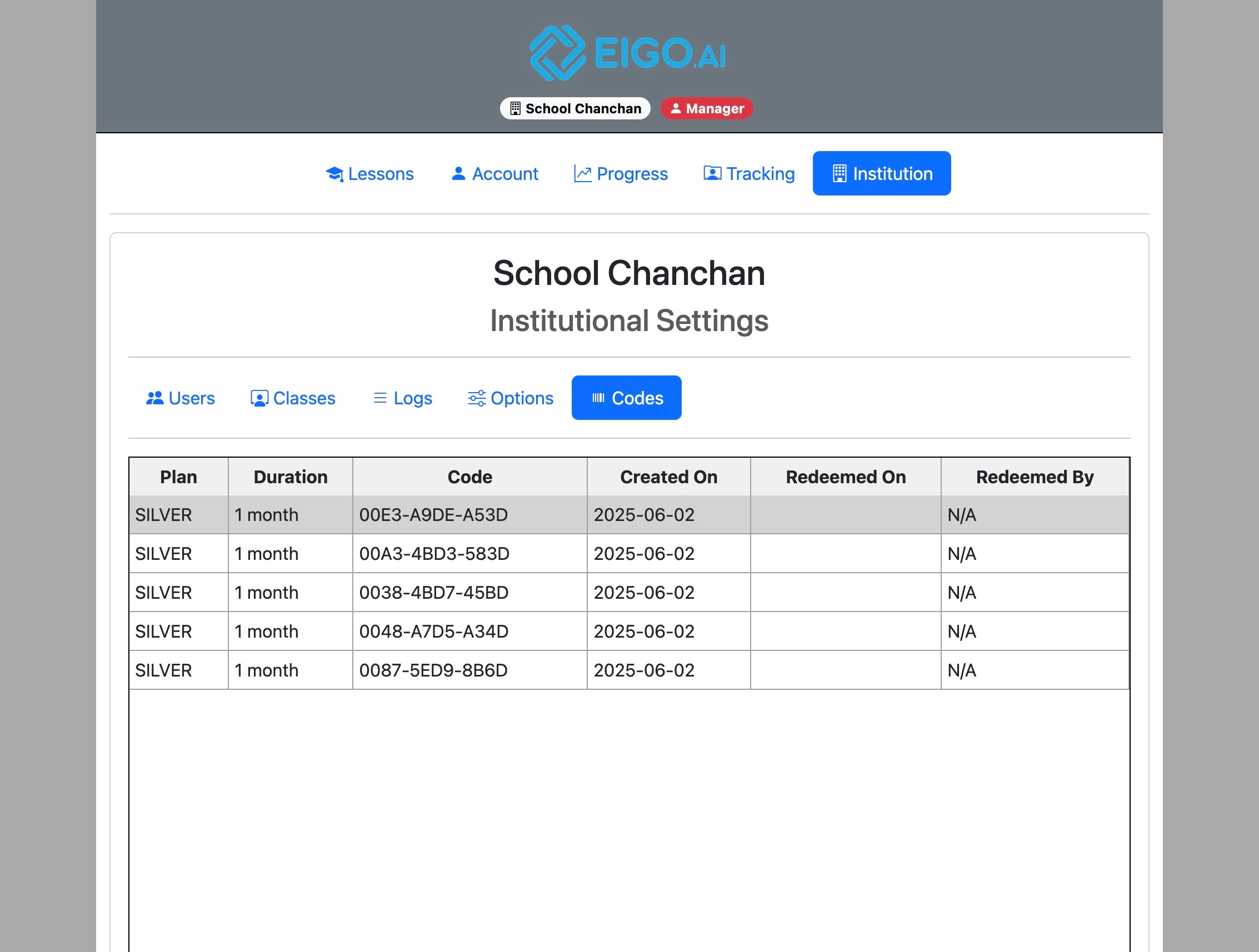
Access codes provide students with full access to Eigo.AI’s Pro features. They can only be redeemed by students who have joined your Eigo.AI institution. Contact usto purchase access codes for your institution.
Students receive an automatic two-week institutional trial when they first join the institution or a class. Access codes are used to continue full access after that trial or to grant a longer access period.
Expired institutional access does not remove a student from your institution or class. Use a new access code or administrator-set access period to restore full access.
See our student guides forhow to join an institution and how to redeem access codes.