1
Navigate to https://eigo.ai/
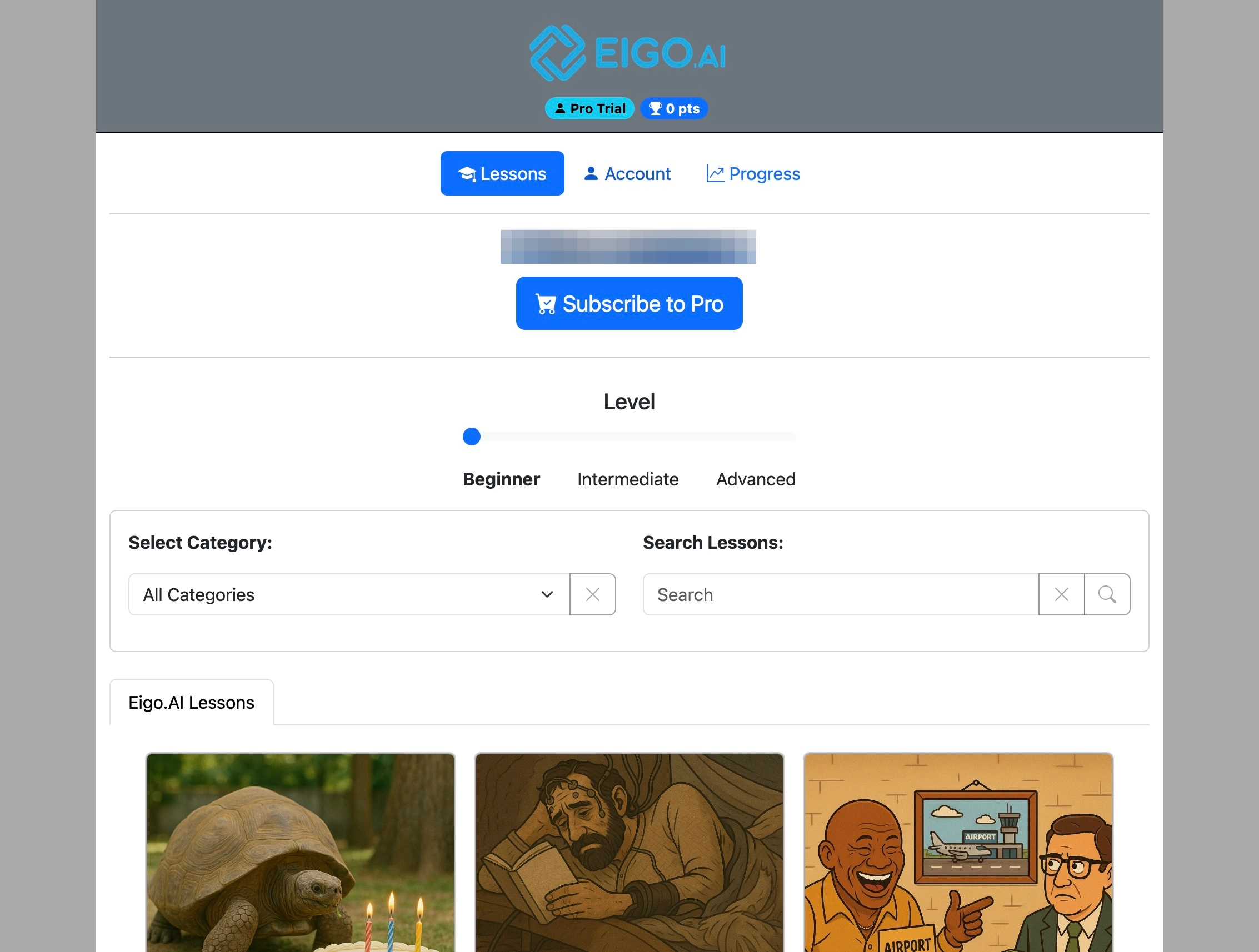
2
Click "Account"
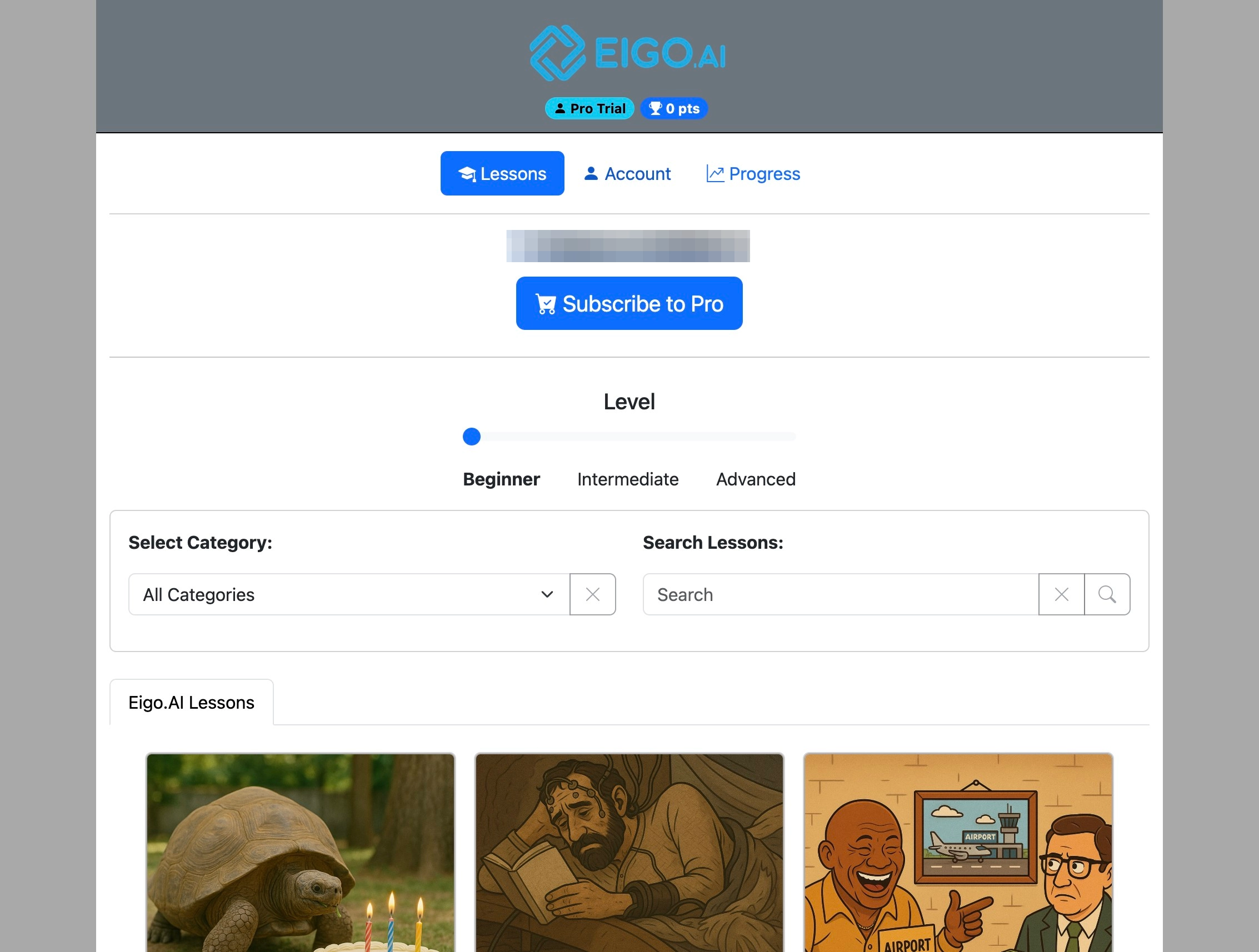
3
Click "Institution"
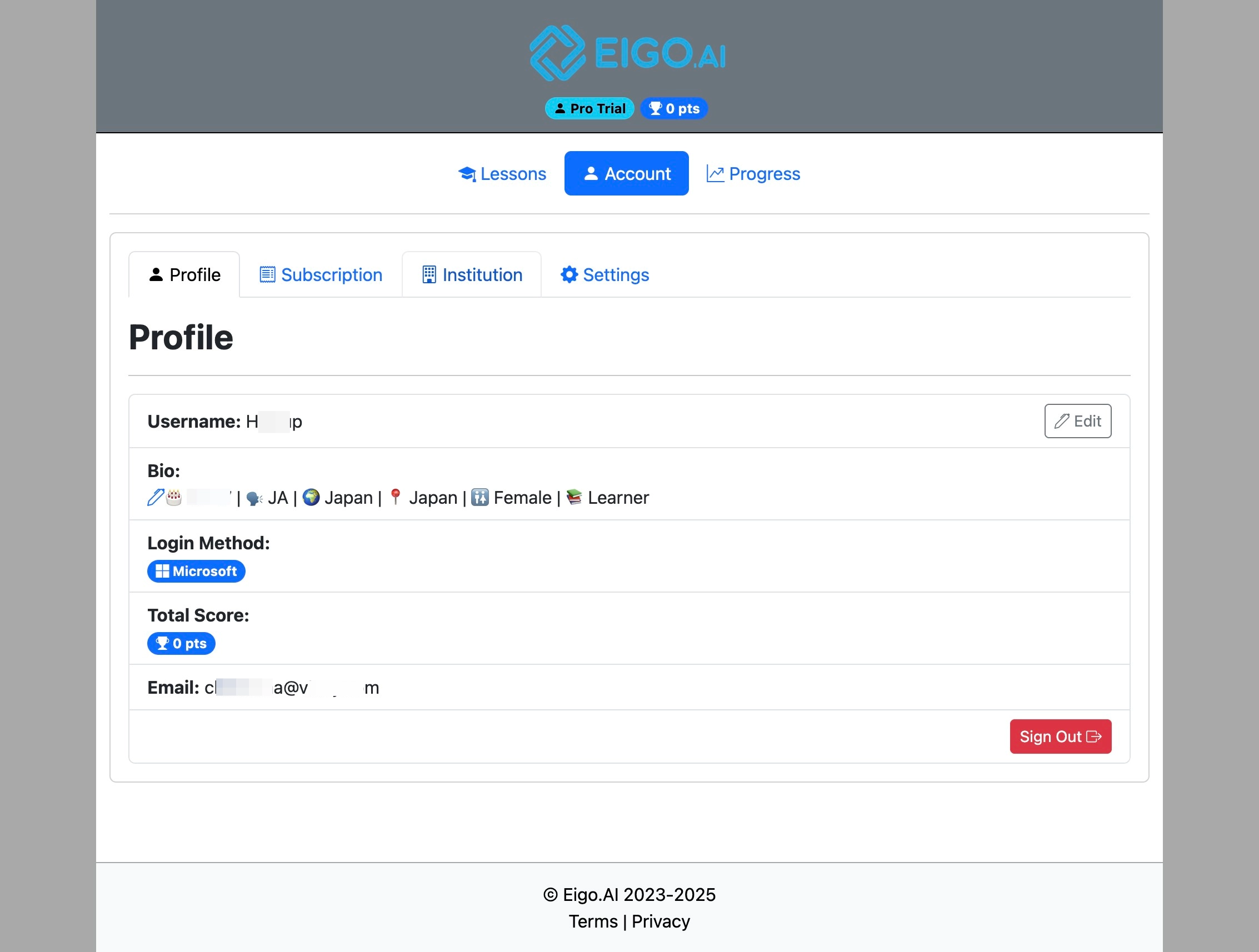
4
Click "Join Institution"
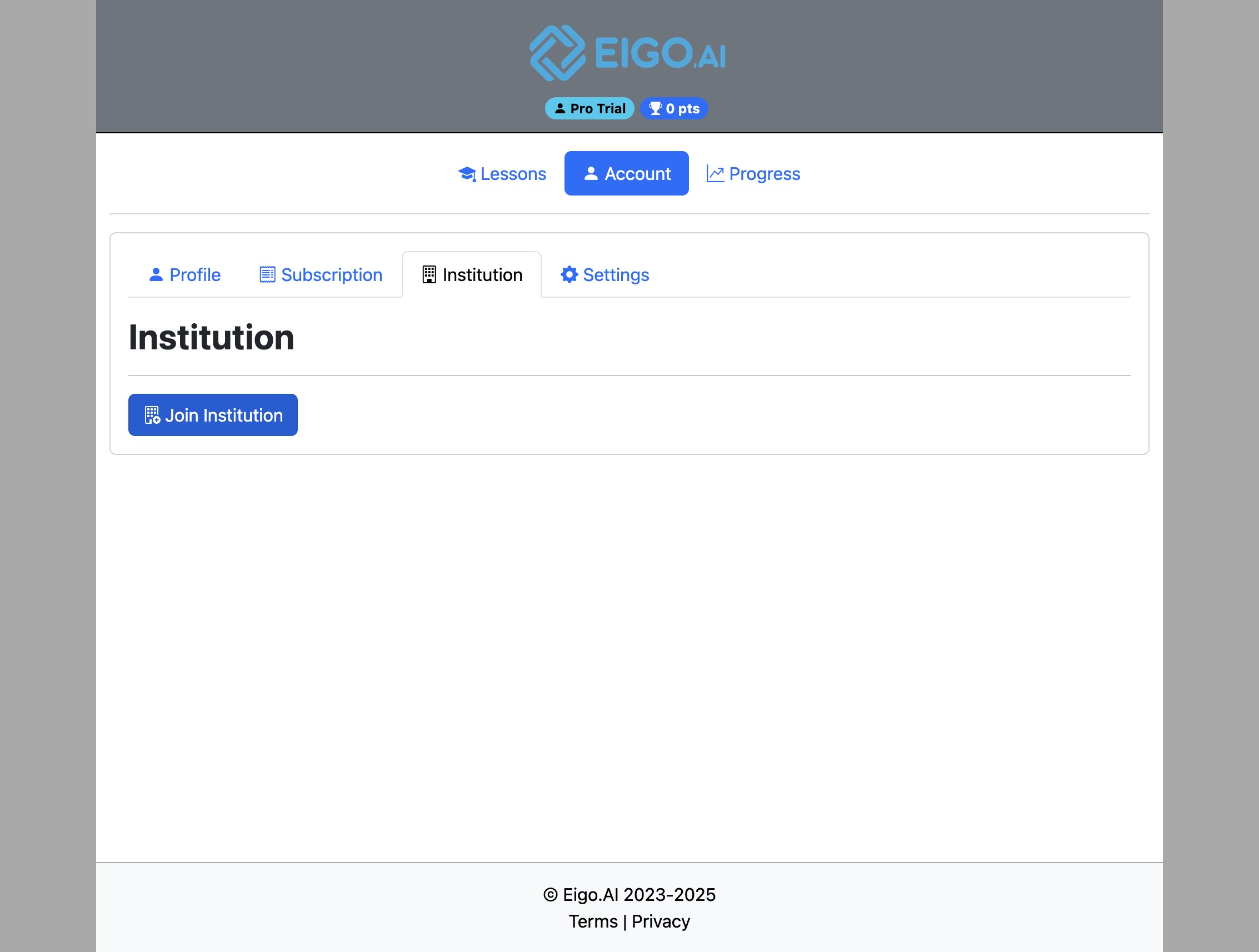
5
Enter the 'Class Join Code' and 'Pin Code', provided by your teacher and click "Join" to join the institution.
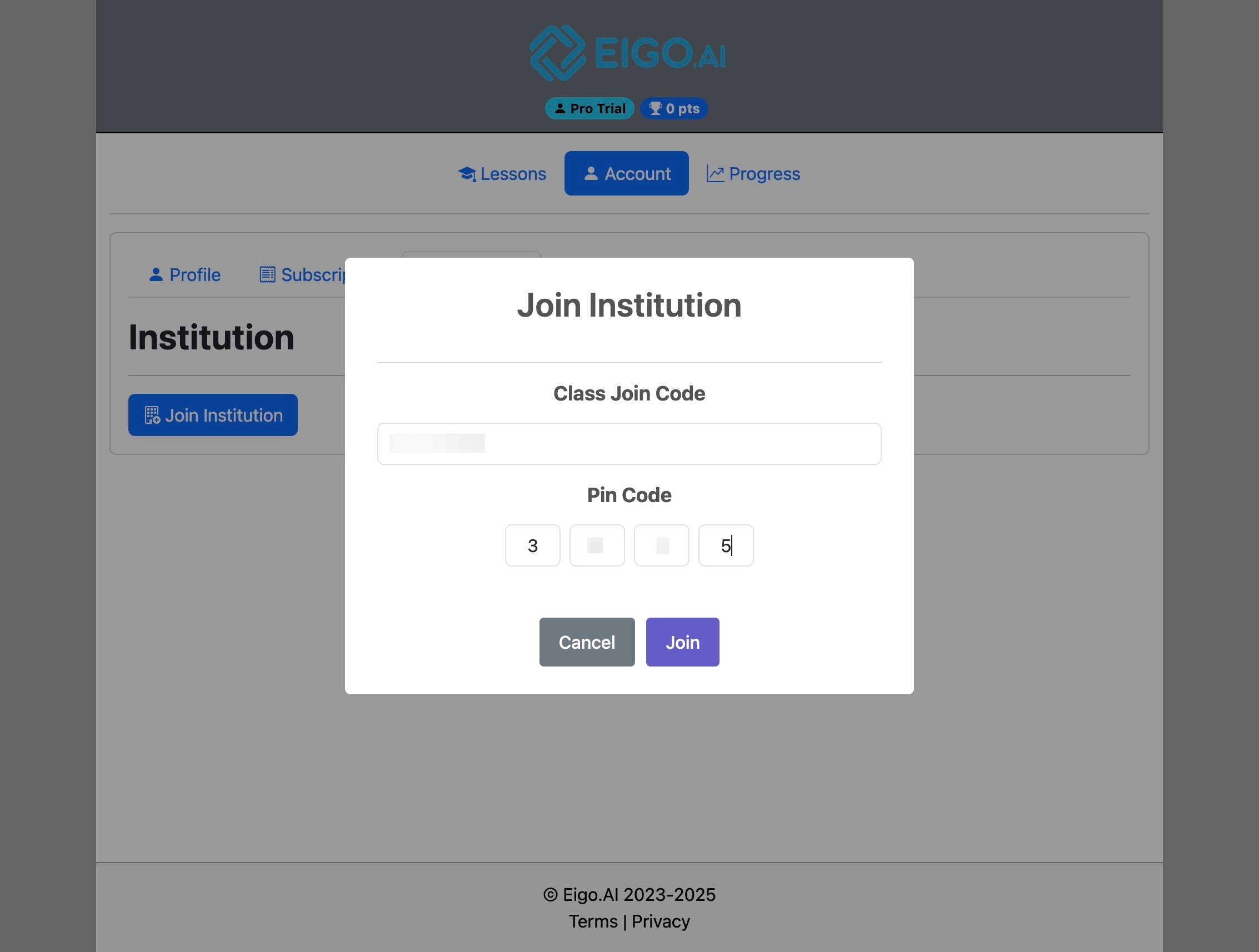
If you do not know the Join Code or PIN Code, please contact your teacher.
6
After joining the institution, the institution name, your class, the class average score, and instructions to redeem or purchase access codes become visible.
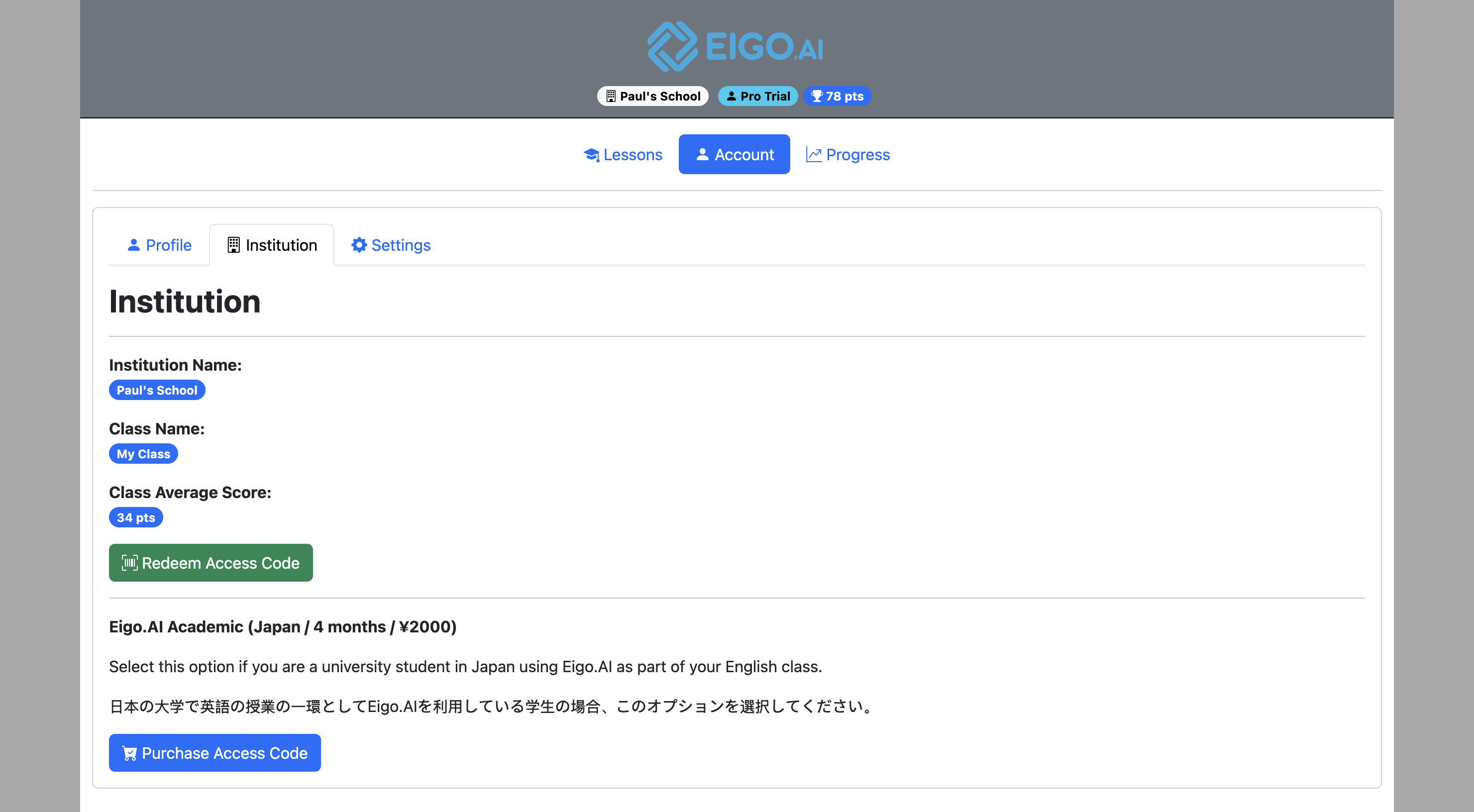
If your institutional access expires later, your account remains in the institution and class as a free account. Your saved progress is kept, but full-access features are limited until you redeem another access code or your institution renews your access.