Note that the process described in this guide is applicable only to Teachers. If you would like to create a teacher account on Eigo.AI please contact us.
1
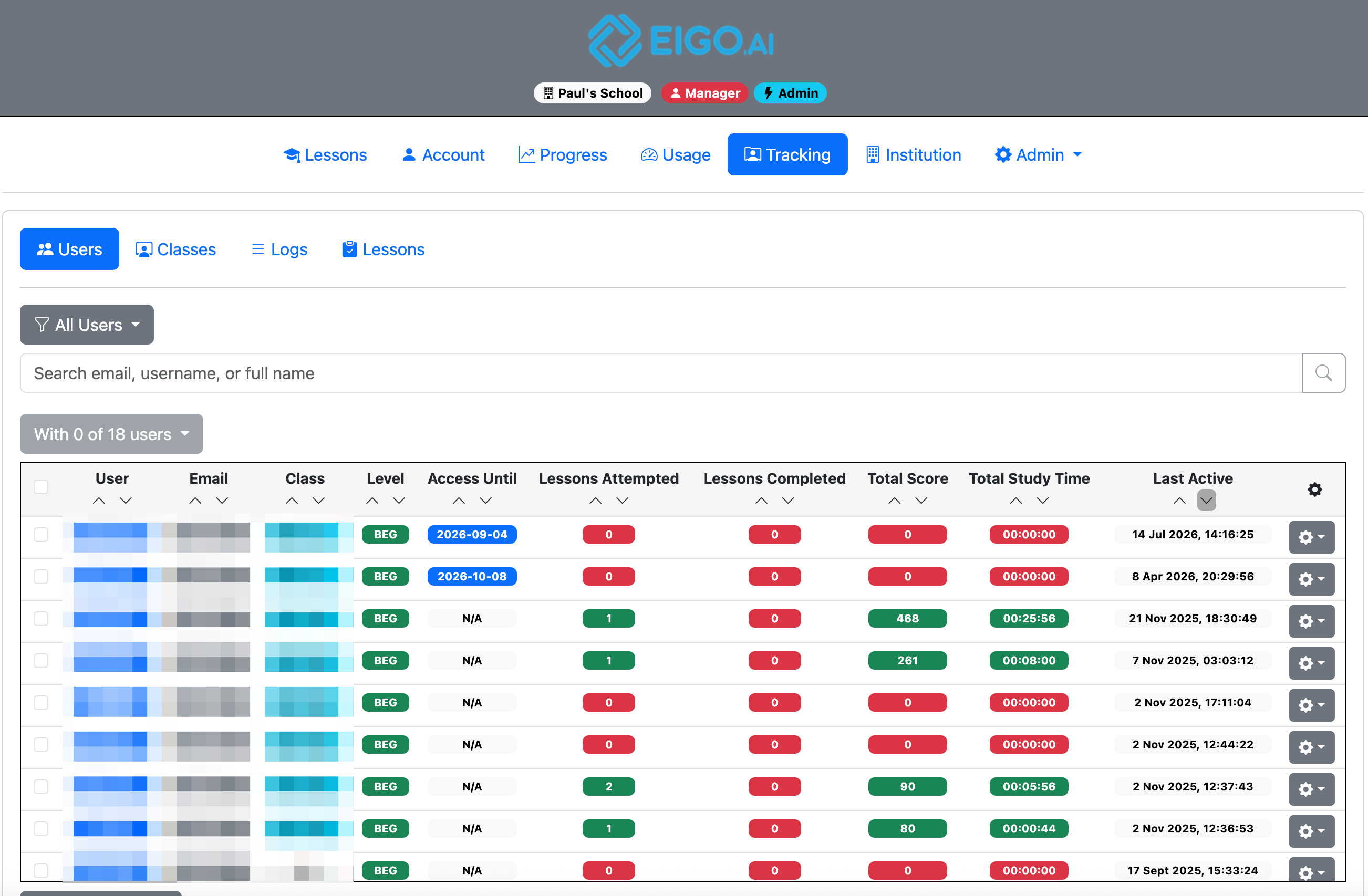
Sign in to Eigo.AI and click "Tracking".
2
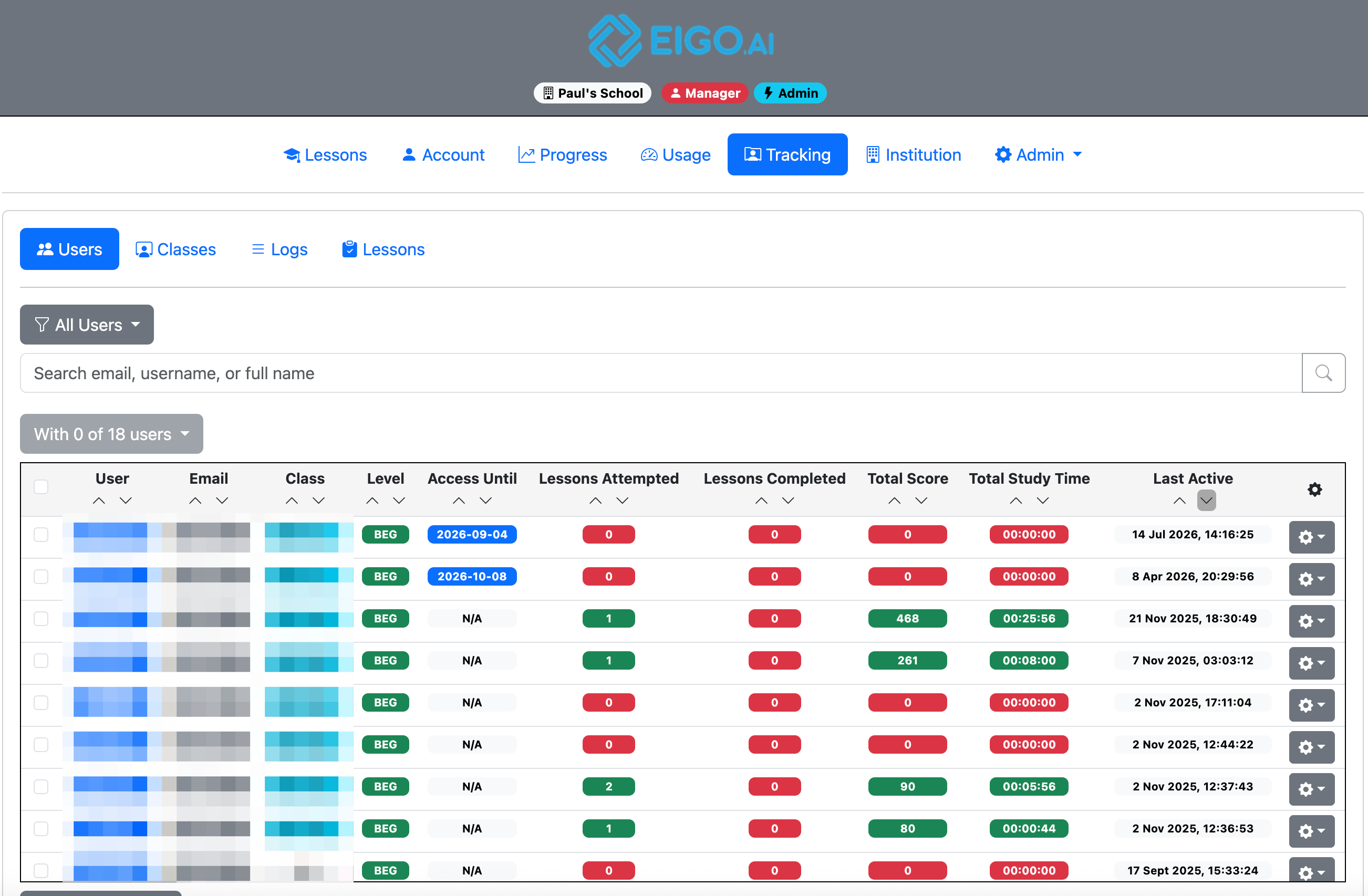
Click the gear button to open a dropdown menu for the selected student.
3
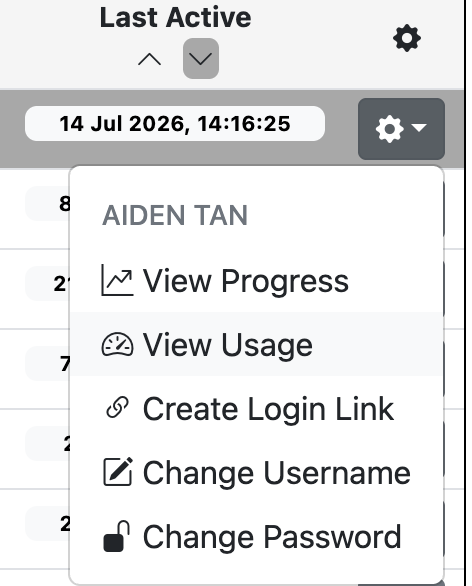
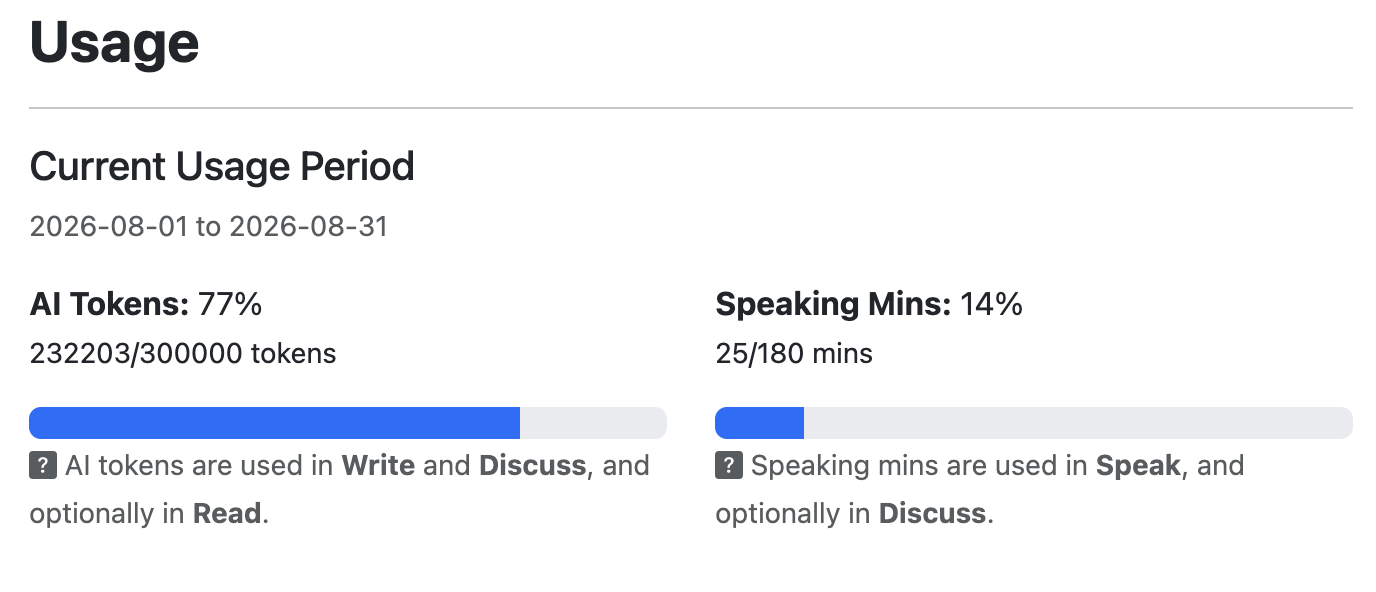
Click "View Usage". The student AI token and speaking usage report opens in a modal.
4
Review the Current Usage Period. AI Tokens shows token usage for Write and Discuss, and optionally Read. Speaking Mins shows speaking usage for Speak, and optionally Discuss.
5
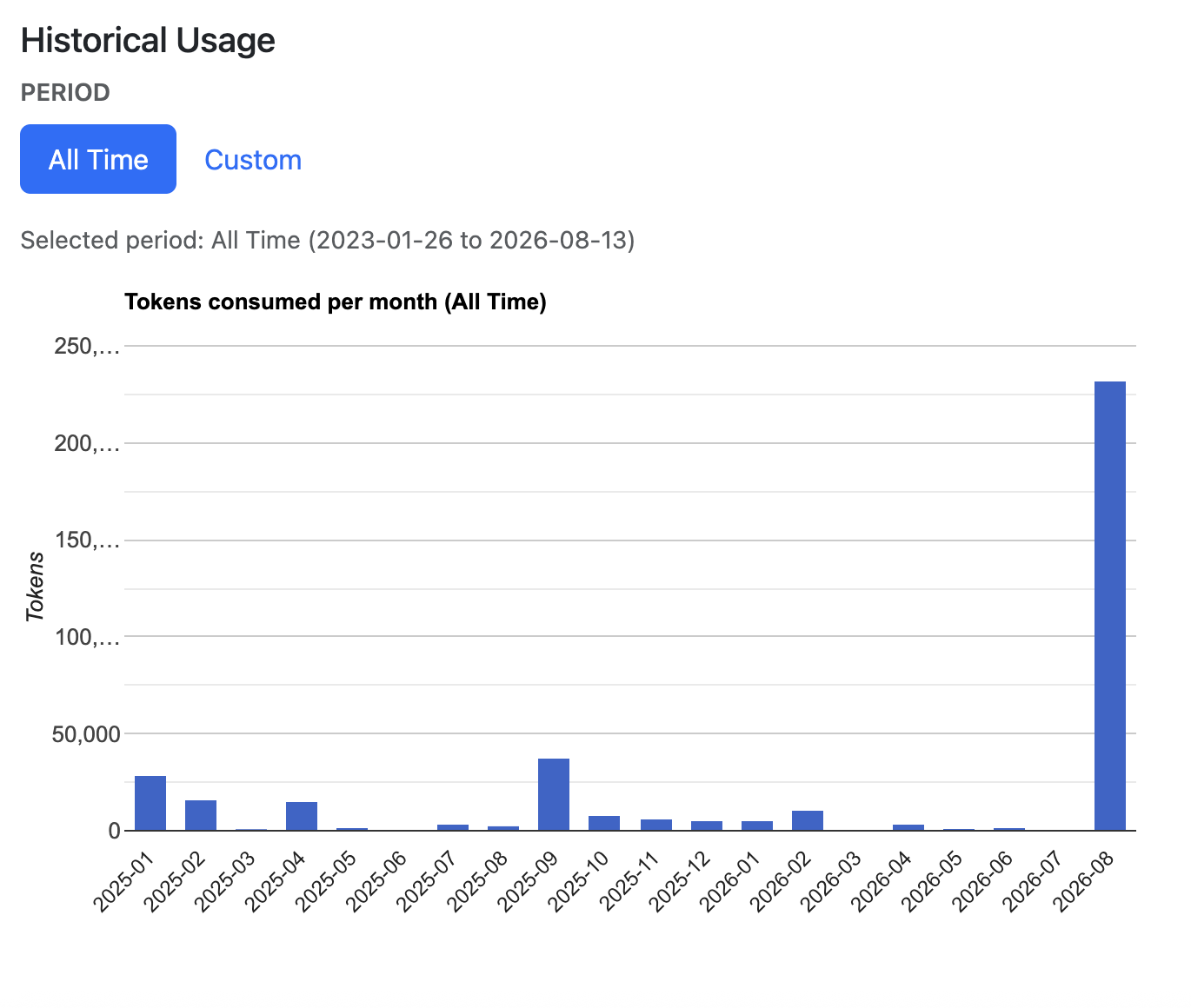
Under Historical Usage, select All Time or Custom. If you select Custom, choose the Year and Month to update the AI token and speaking usage charts.