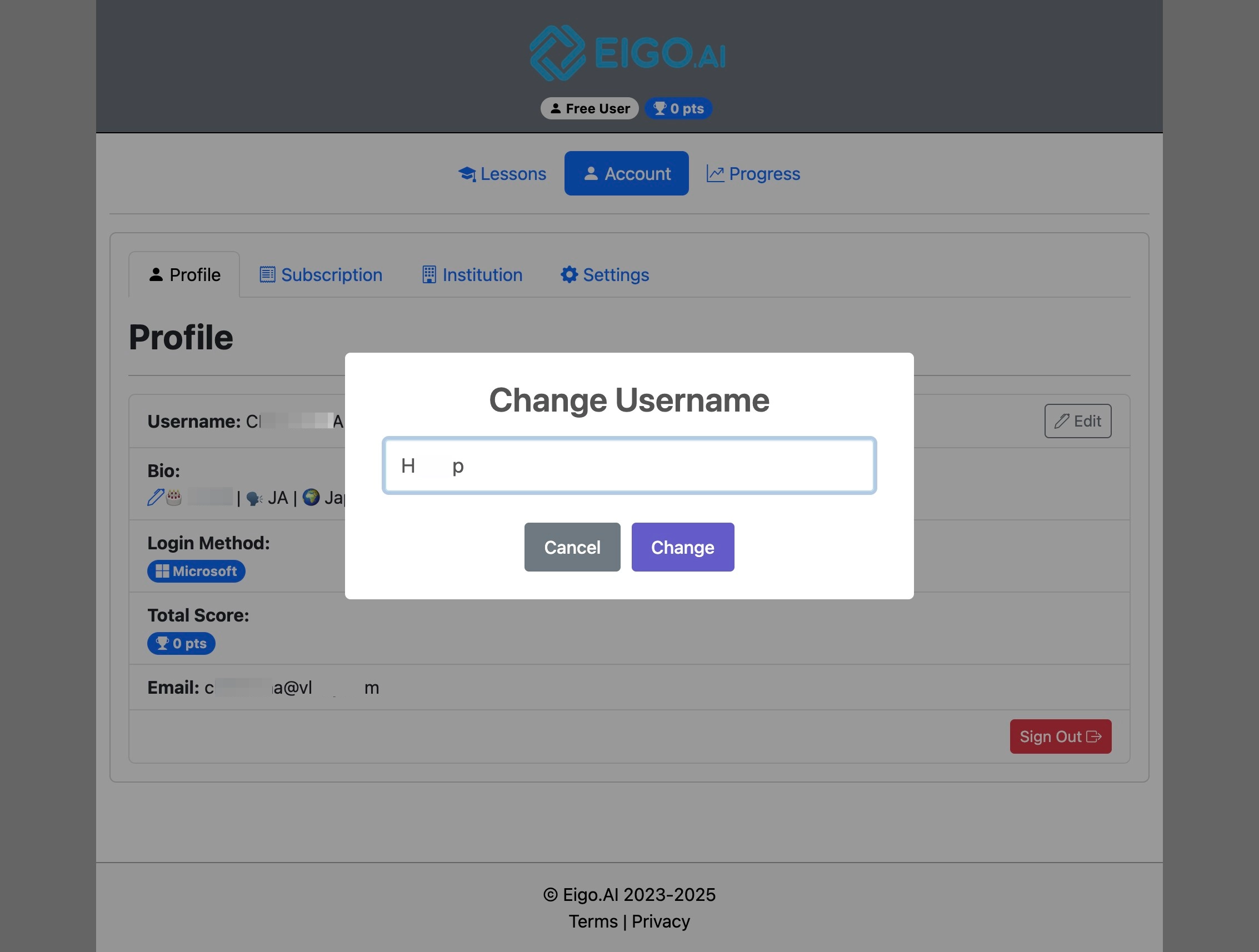
Teacher accounts can change their username from the Profile tab. If you registered with Google or Microsoft, Eigo.AI shows and edits your full name instead of a username.
1
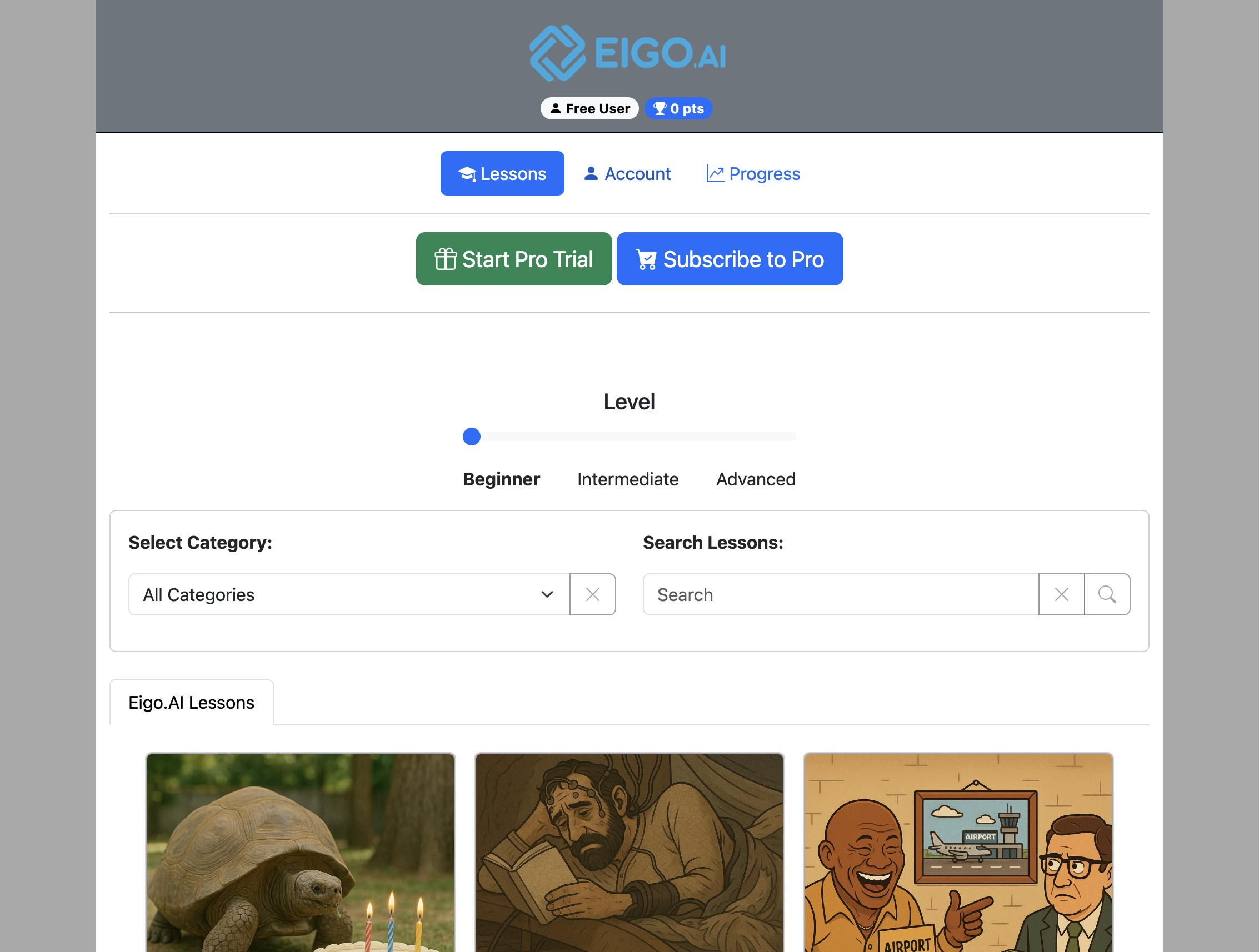
Navigate to https://eigo.ai/lessons/
2
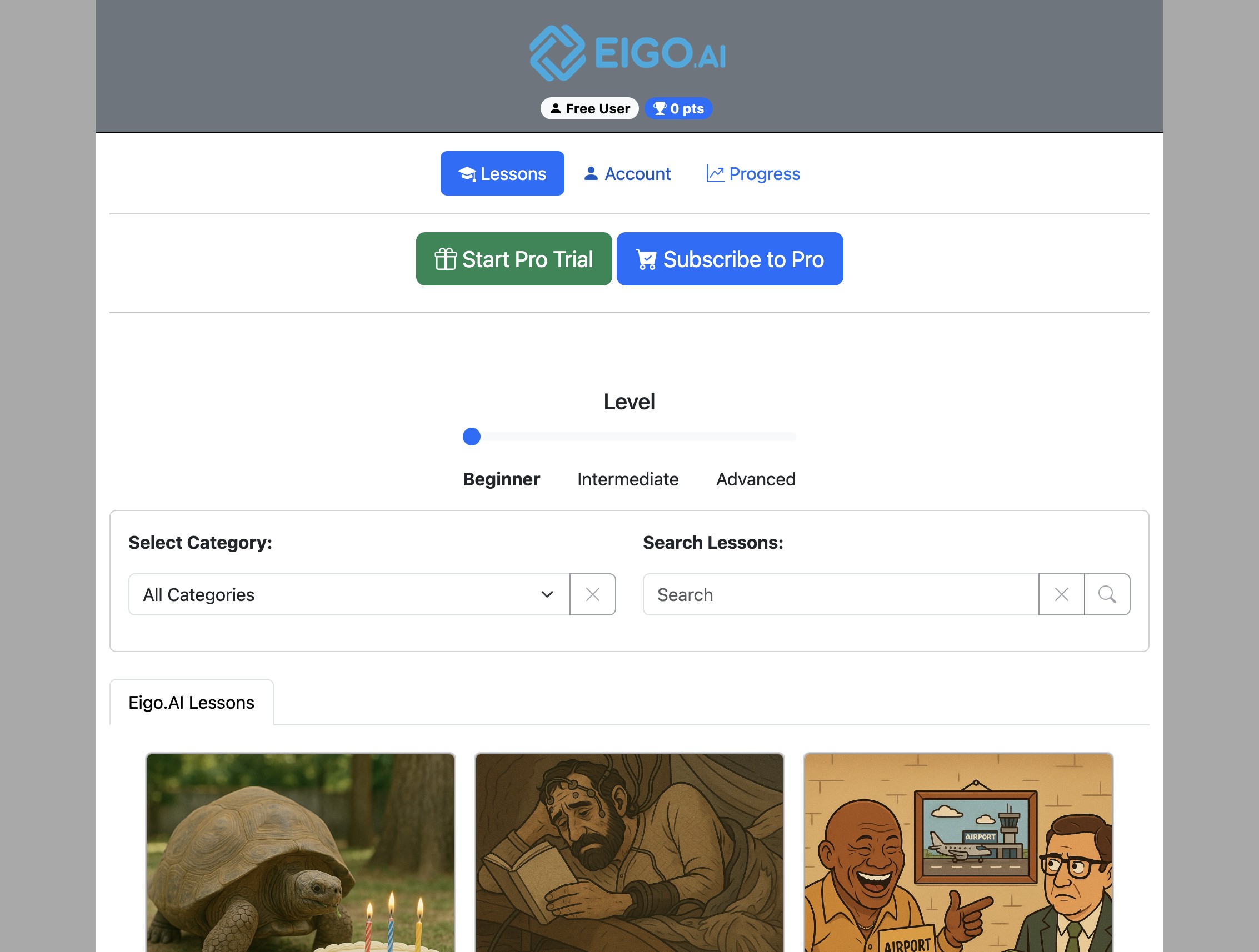
Click "Account"
3
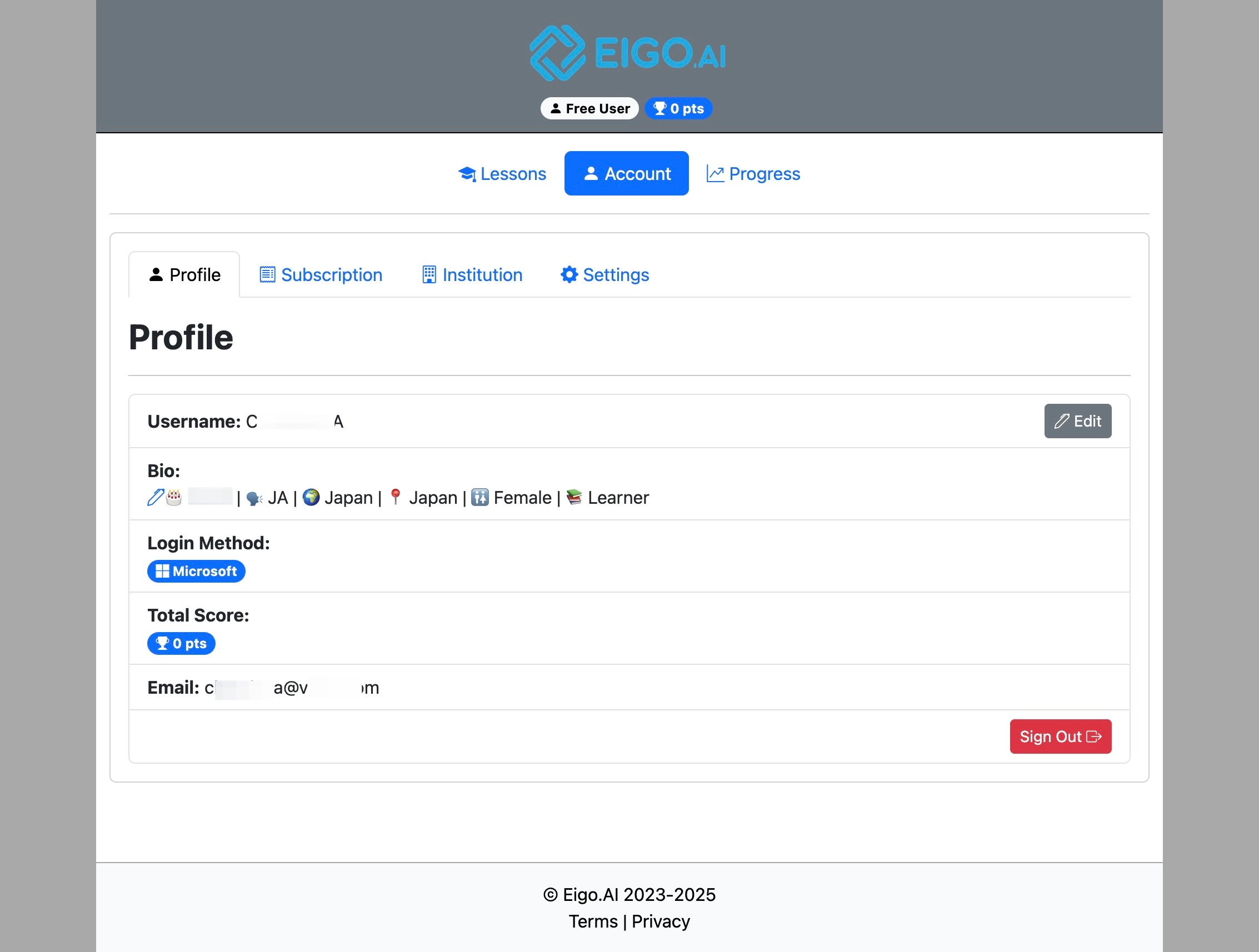
On the Profile tab, click the "Edit" button next to your username or full name.
4
Type your new username or full name and click "Change".