If you have decided to delete your account, we are very sorry to see you go. If there is anything about the platform we could improve, please let us know via our contact form.
Navigate to https://eigo.ai/lessons/
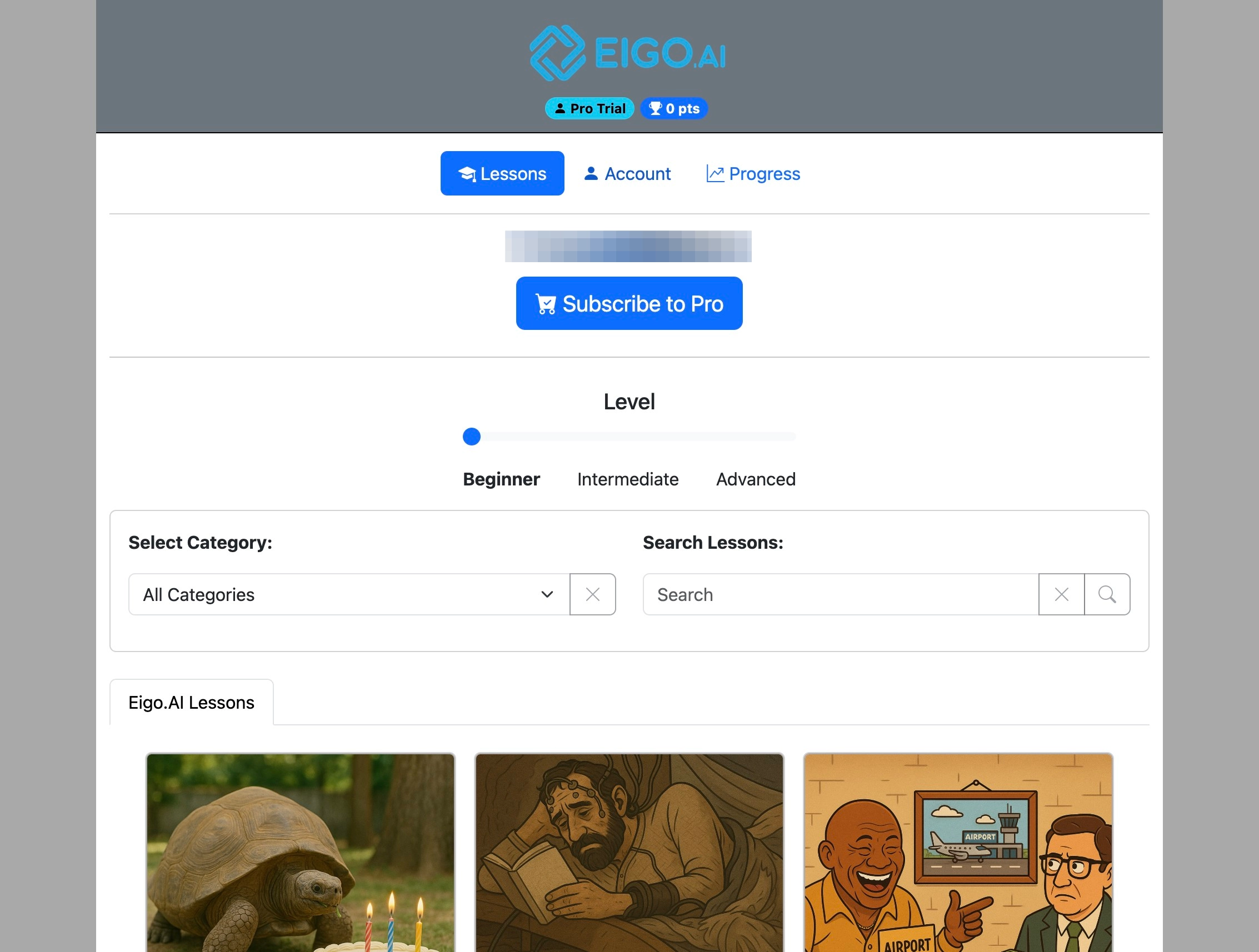
Click "Account"
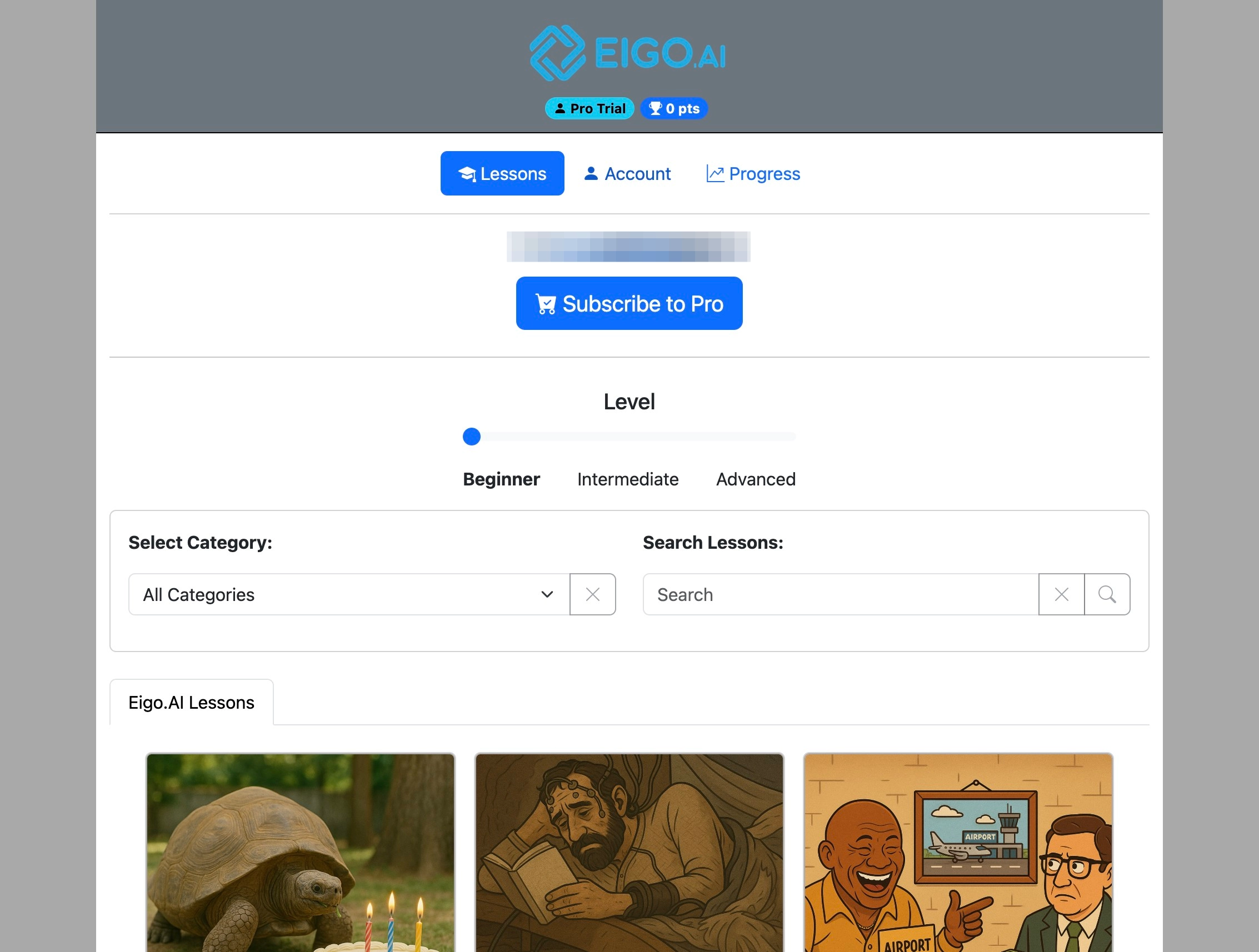
Click "Settings"
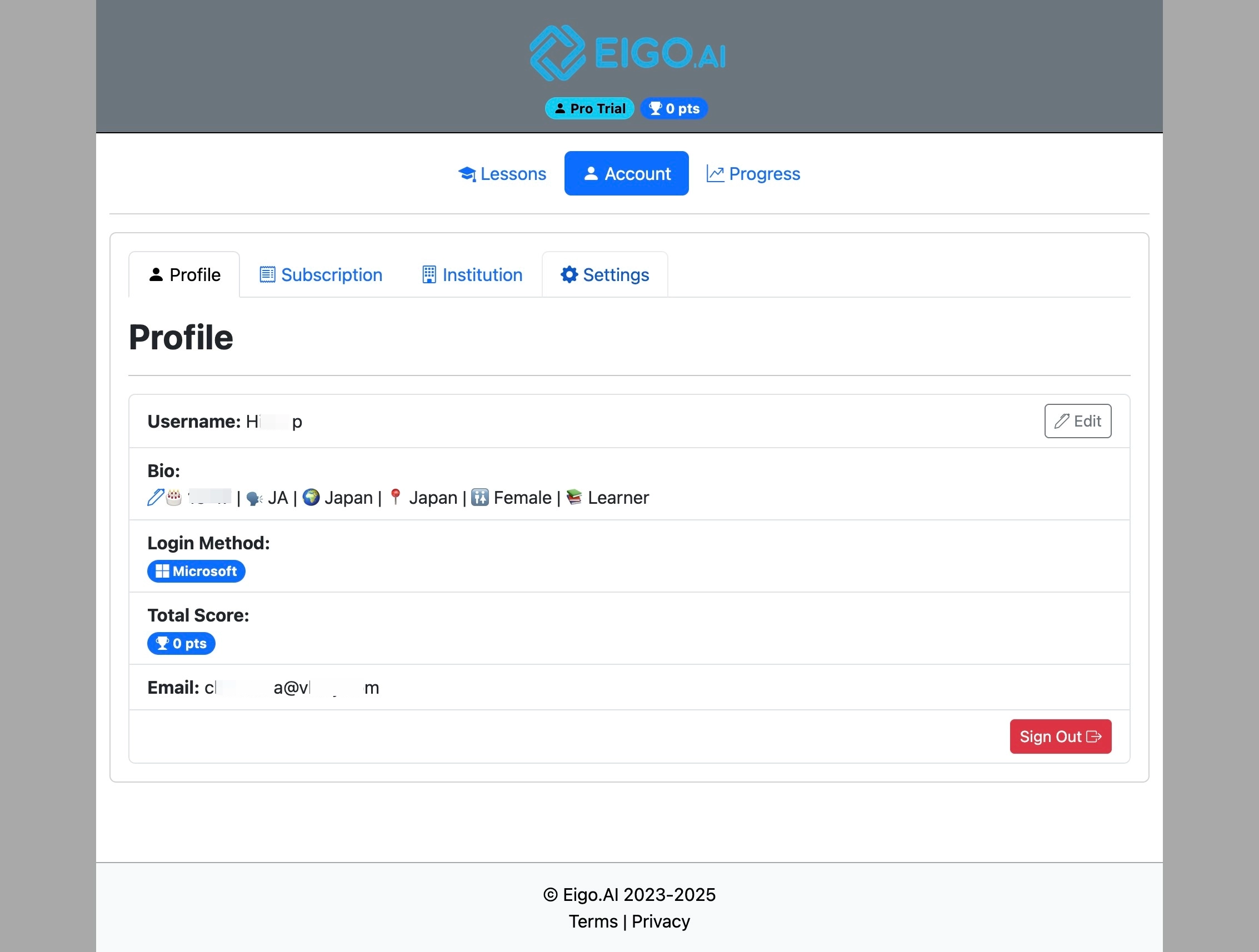
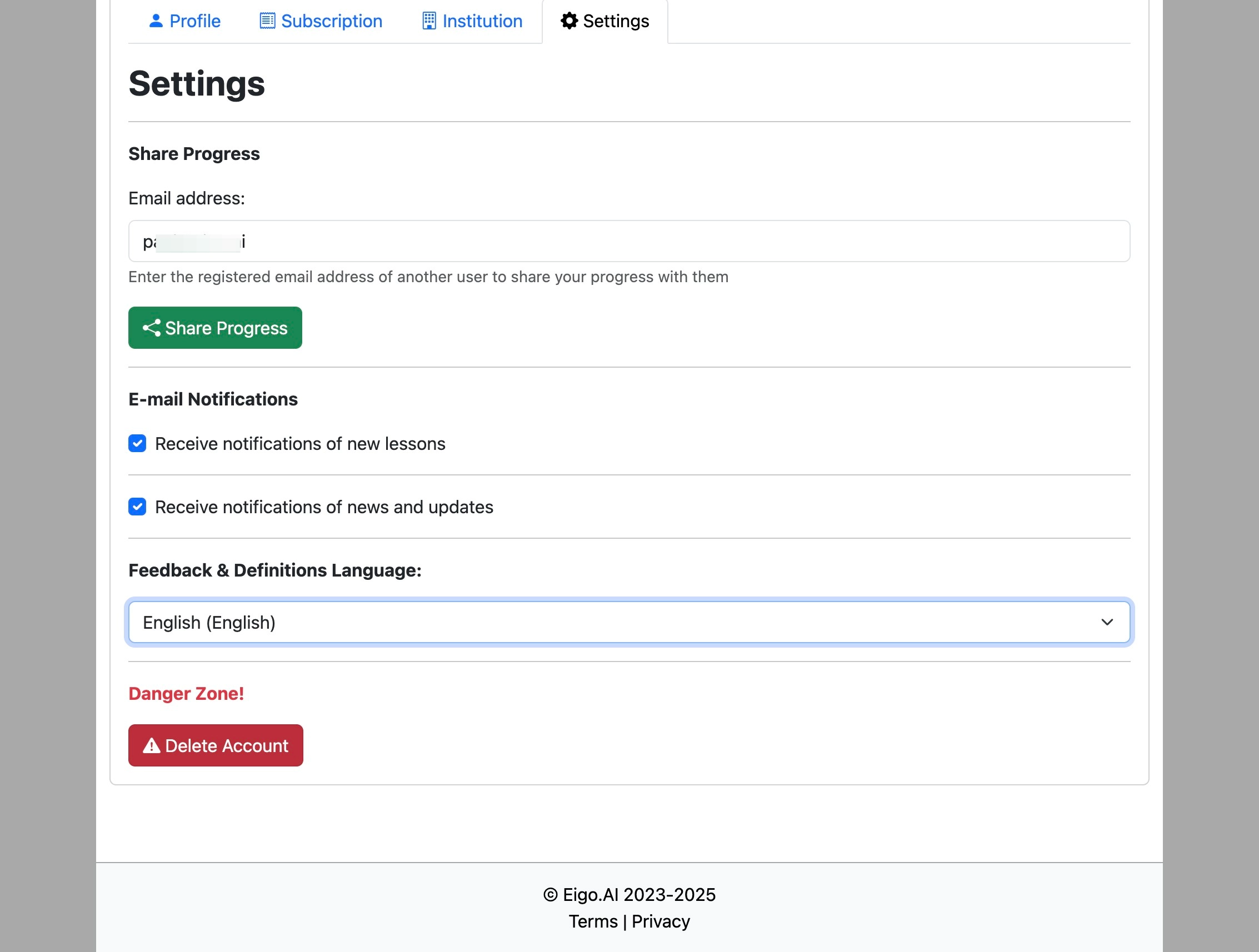
Under the 'Settings' tab, click "Delete Account" to permanently delete your account.
Eigo.AI emails a verification code to your registered email address before showing the final deletion confirmation.
Enter the 6-digit verification code from the email and click "Verify".
Note that deleting your account is permanent and it cannot be recovered after deletion. Teacher and manager accounts cannot be deleted from this page. If you have an active subscription, cancel the subscription before deleting your account.
After verification is complete, click the "Permanently delete my account" checkbox.
Click "Delete Account" to confirm account deletion.