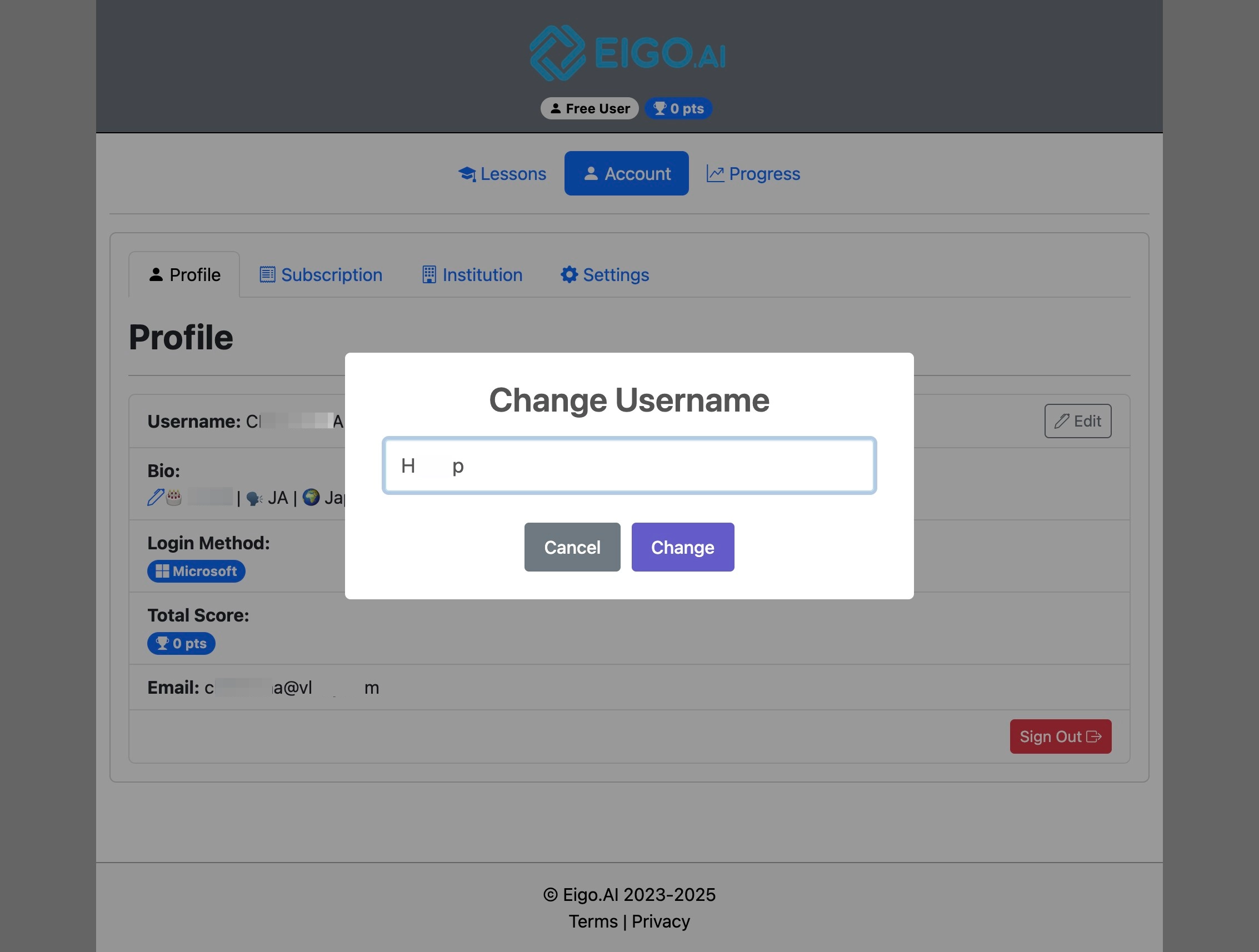
Students can change their username if the account uses a username and password. If you registered with Google or Microsoft, Eigo.AI shows and edits your full name instead. If you are in an institution, your teacher or institutional manager may disable this option.
1
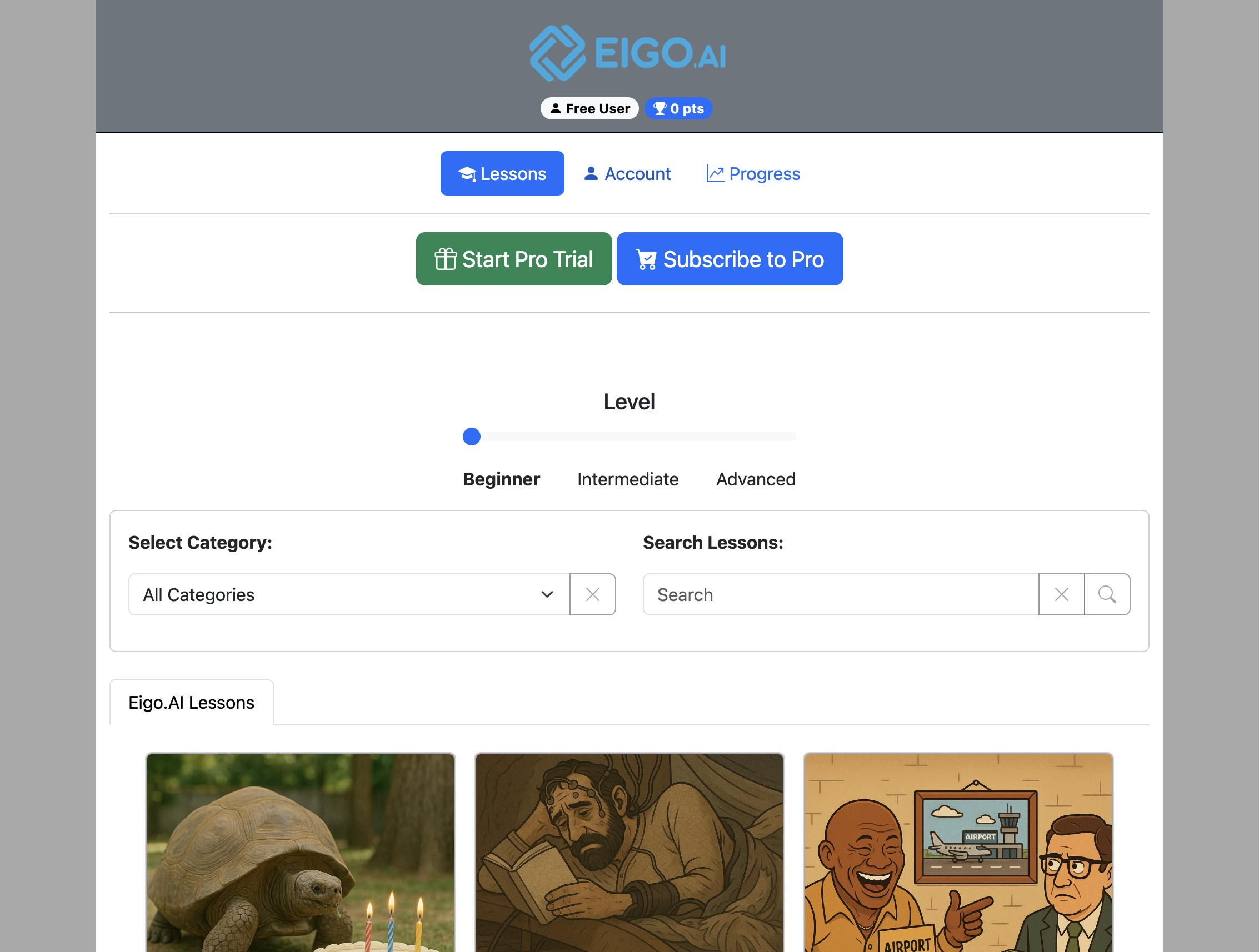
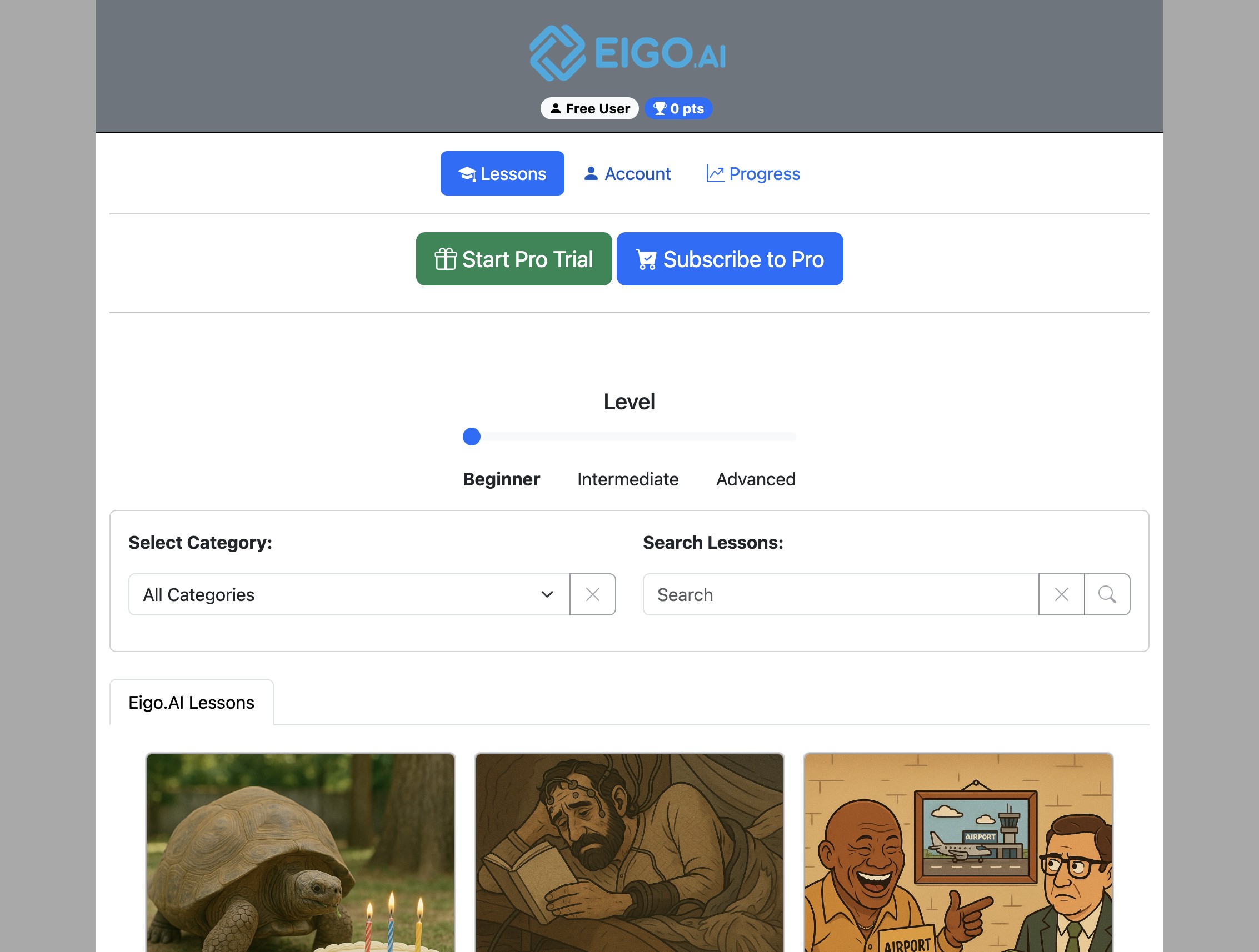
Navigate to https://eigo.ai/lessons/
2
Click "Account"
3
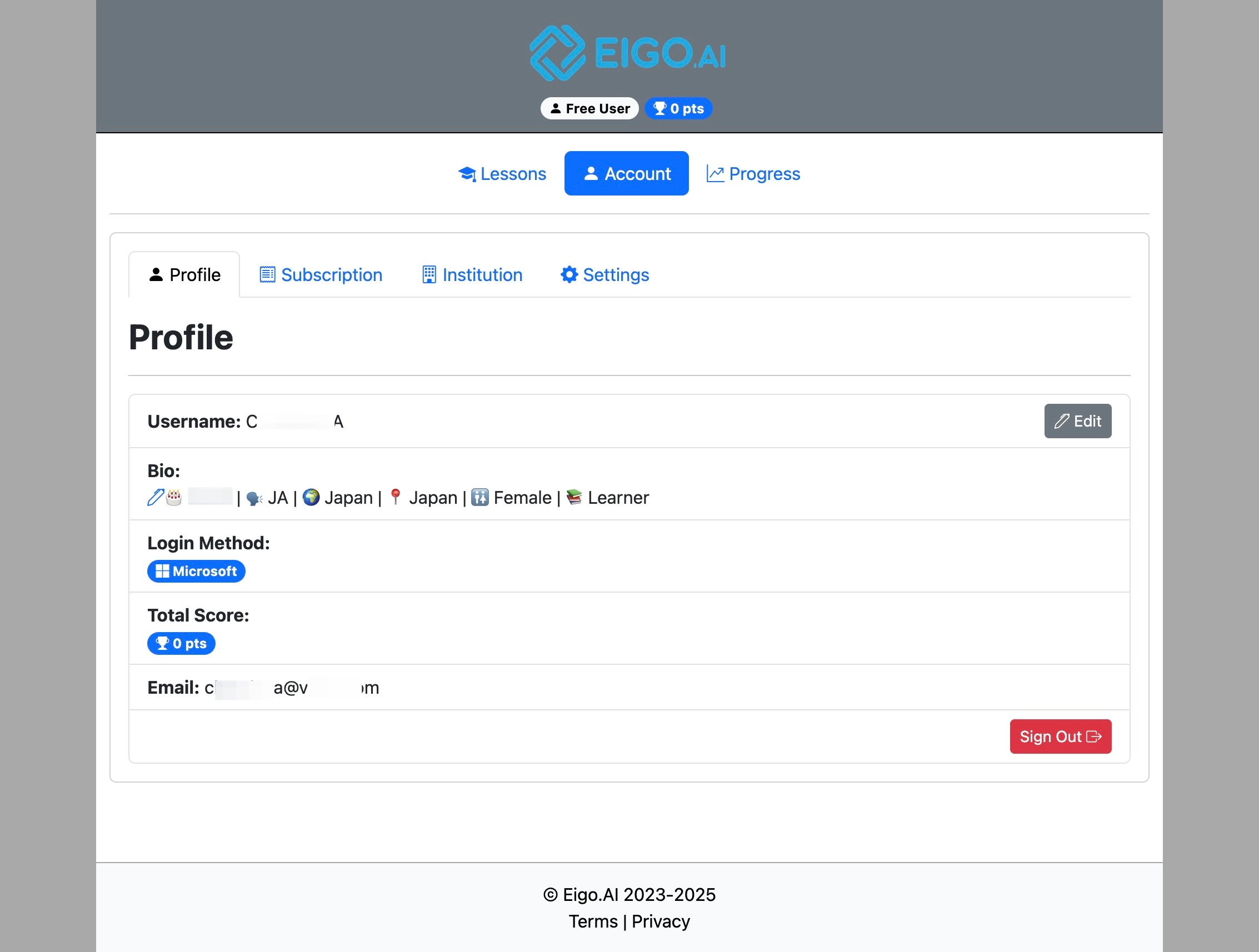
On the Profile tab, click the "Edit" button next to your username or full name.
4
Type your new username or full name and click "Change".