You can change your password on Eigo.AI if you have registered using your email address. If you registered with Google or Microsoft, your password can be changed only through those services.
1
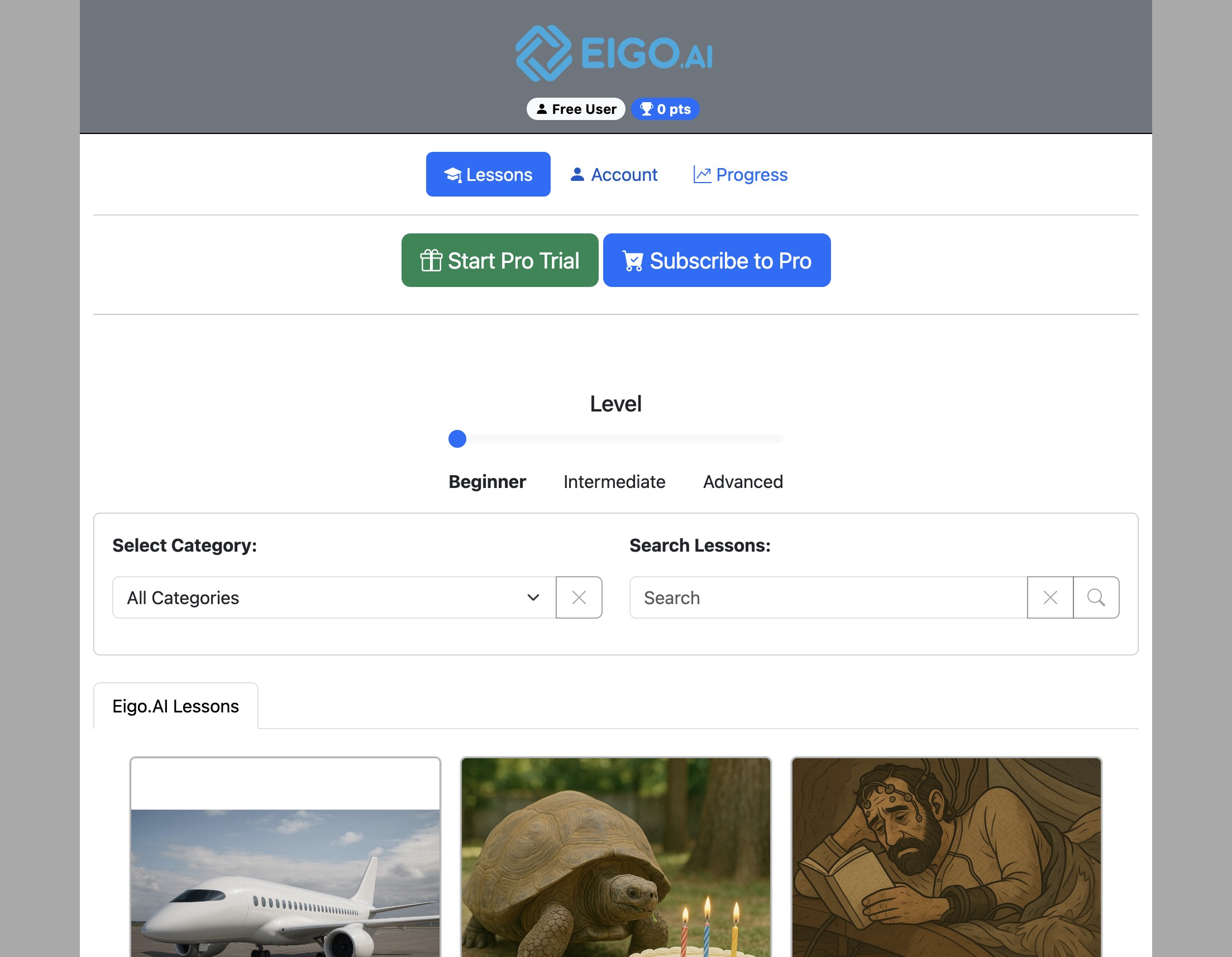
Navigate to https://eigo.ai/lessons/
2
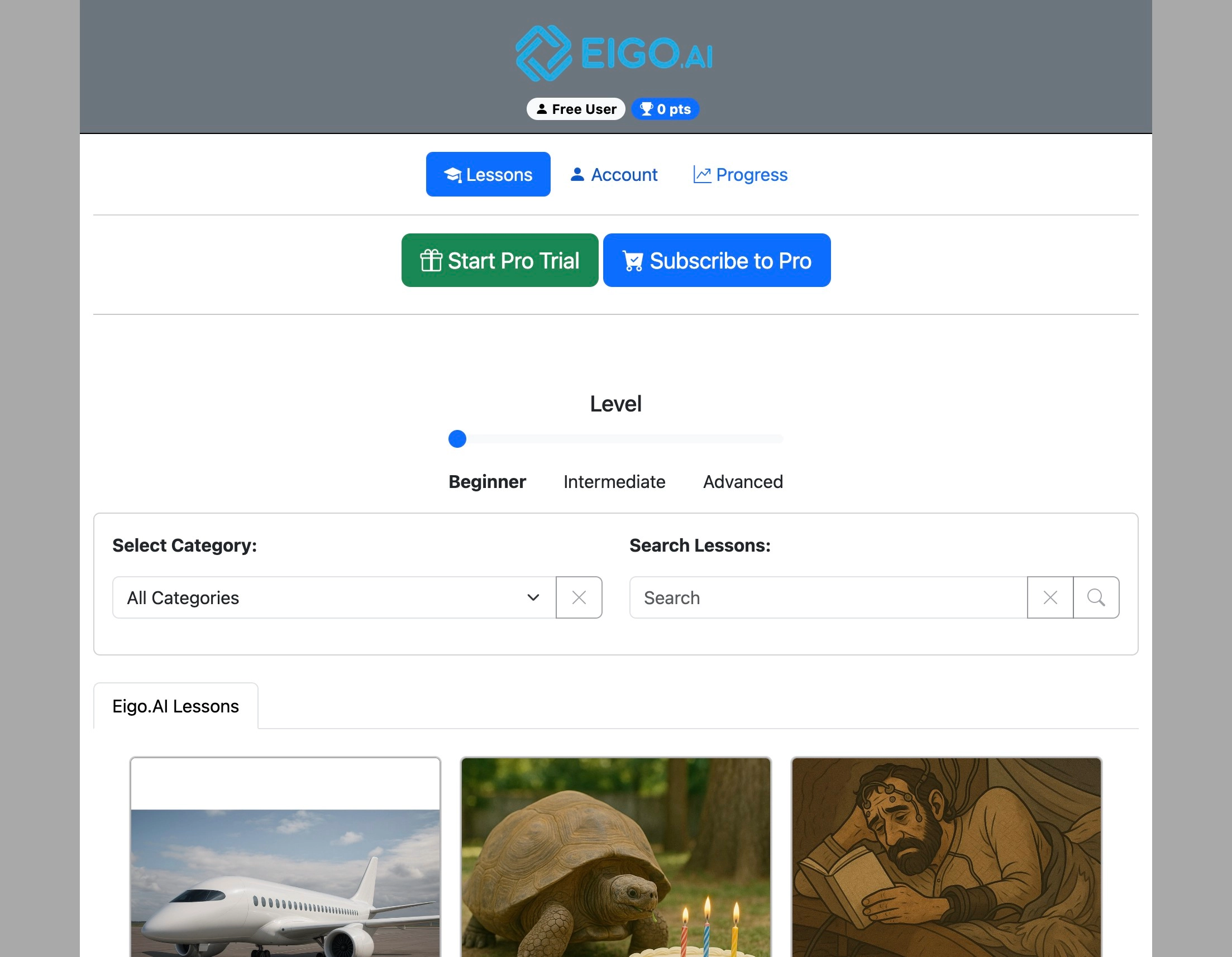
Click "Account"
3
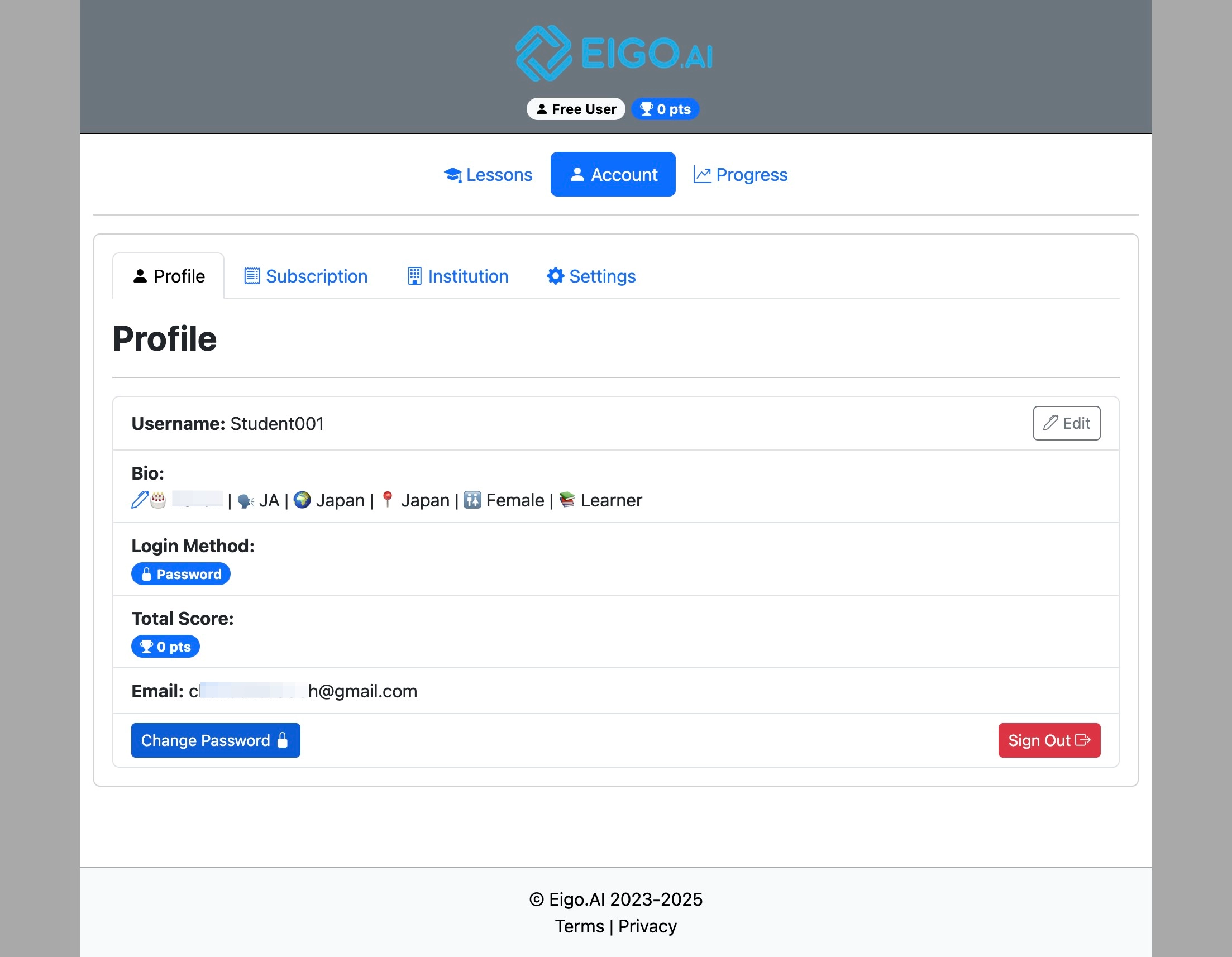
Under the 'Profile' tab, click "Change Password".
4
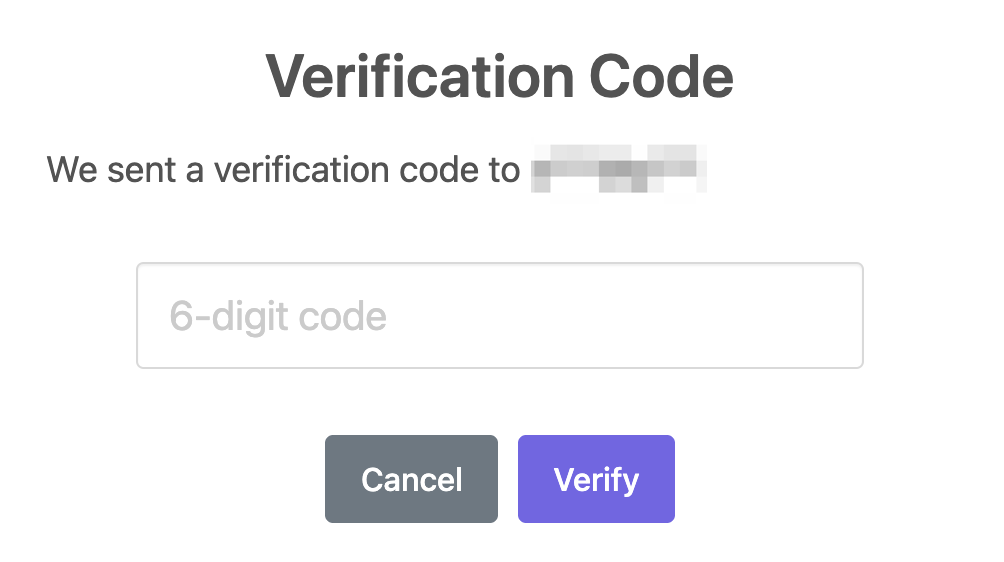
Eigo.AI emails a verification code to your registered email address before showing the new password form.
5
Enter the 6-digit verification code from the email.
6
Click "Verify" to confirm the code.
7
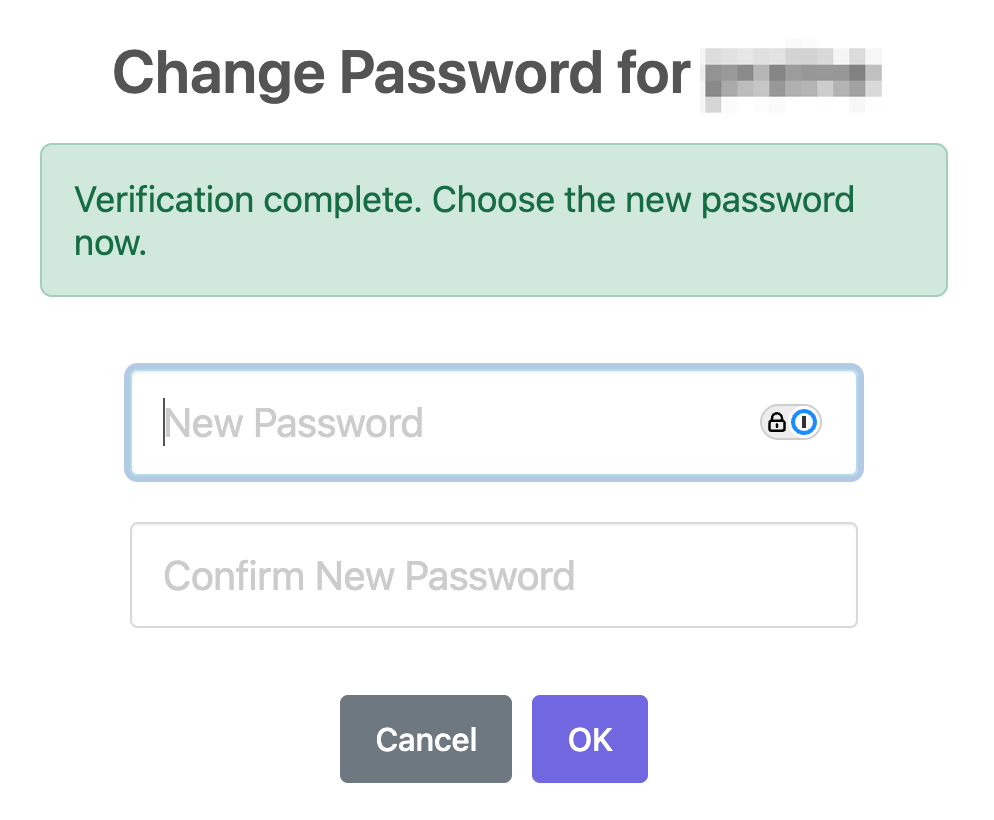
After verification is complete, enter and confirm your new password, then click "OK".