1
Navigate to https://eigo.ai/lessons/
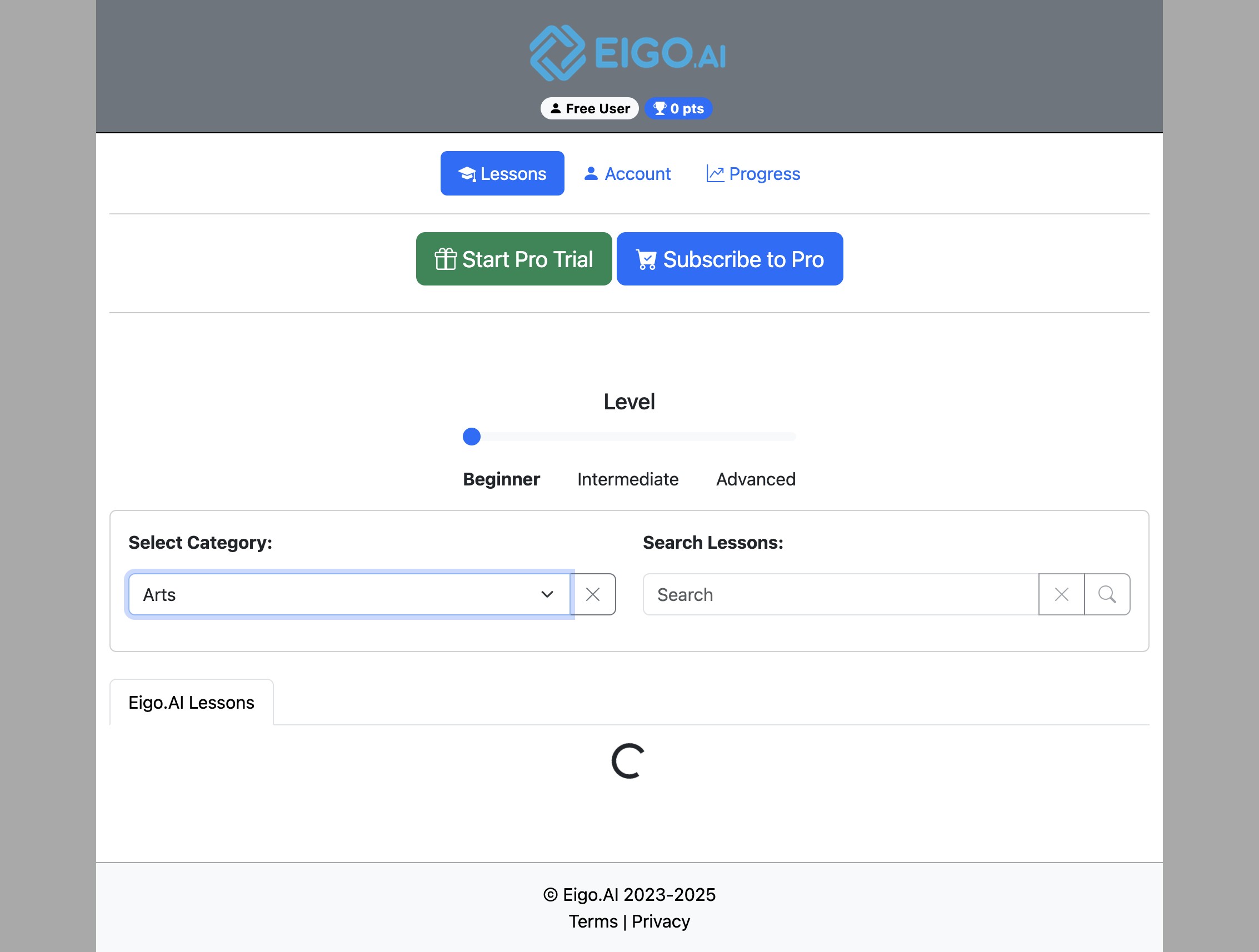
2
Select a category of your choice.
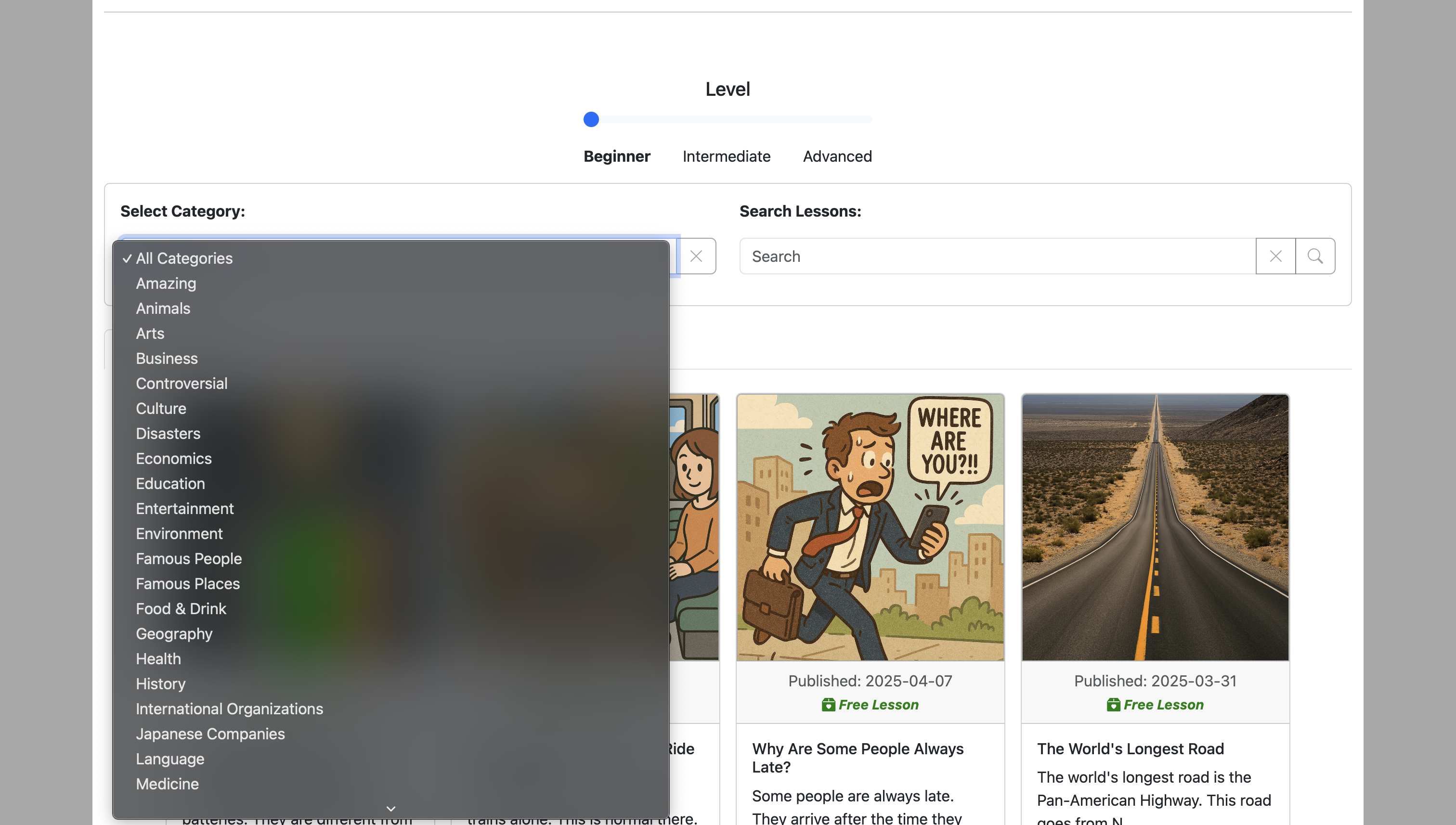
3
Lessons matching your selected category will be shown
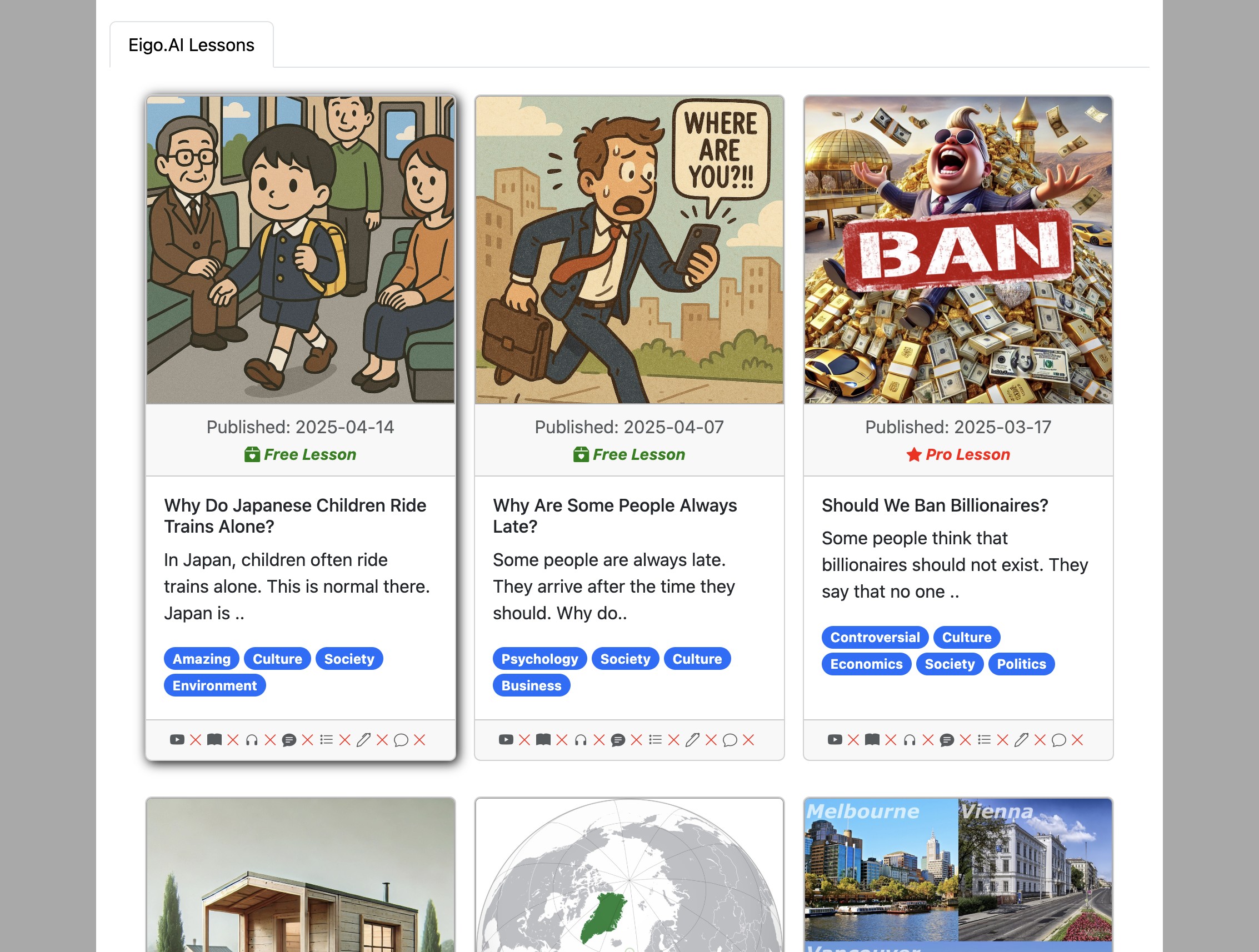
4
Lessons are marked as Free Lesson or Pro Lesson. The latest four public lessons are available to anonymous users and free accounts. Older public lessons require active Pro access, a Pro trial or subscription, or institutional access. If you belong to an institution, redeem an access code if Eigo.AI asks you for one.