1
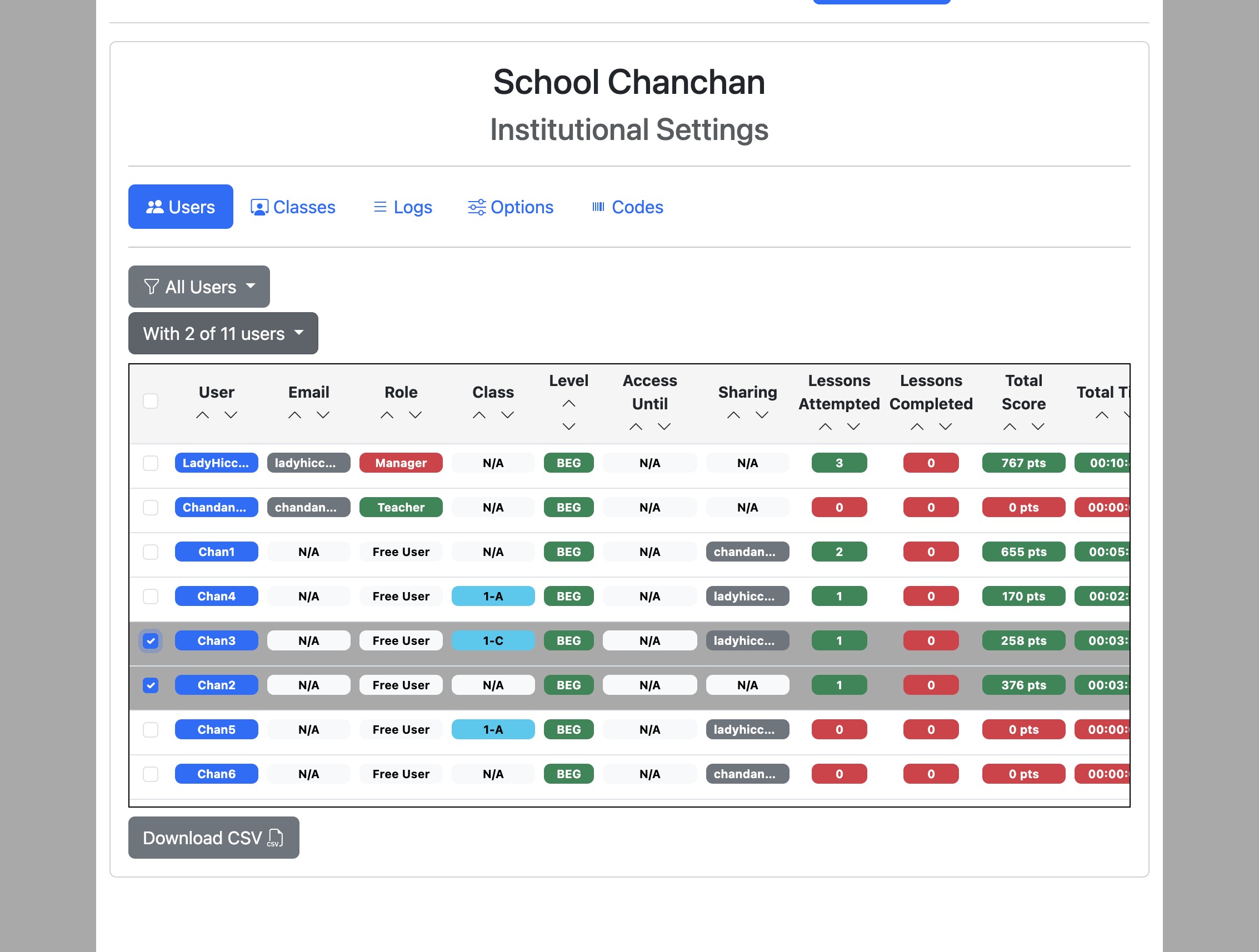
Sign in to Eigo.AI, click "Institution", then click "Users" to open the Users page.
2
Select the users using the checkboxes on the left and click the "With x of n users" dropdown button.
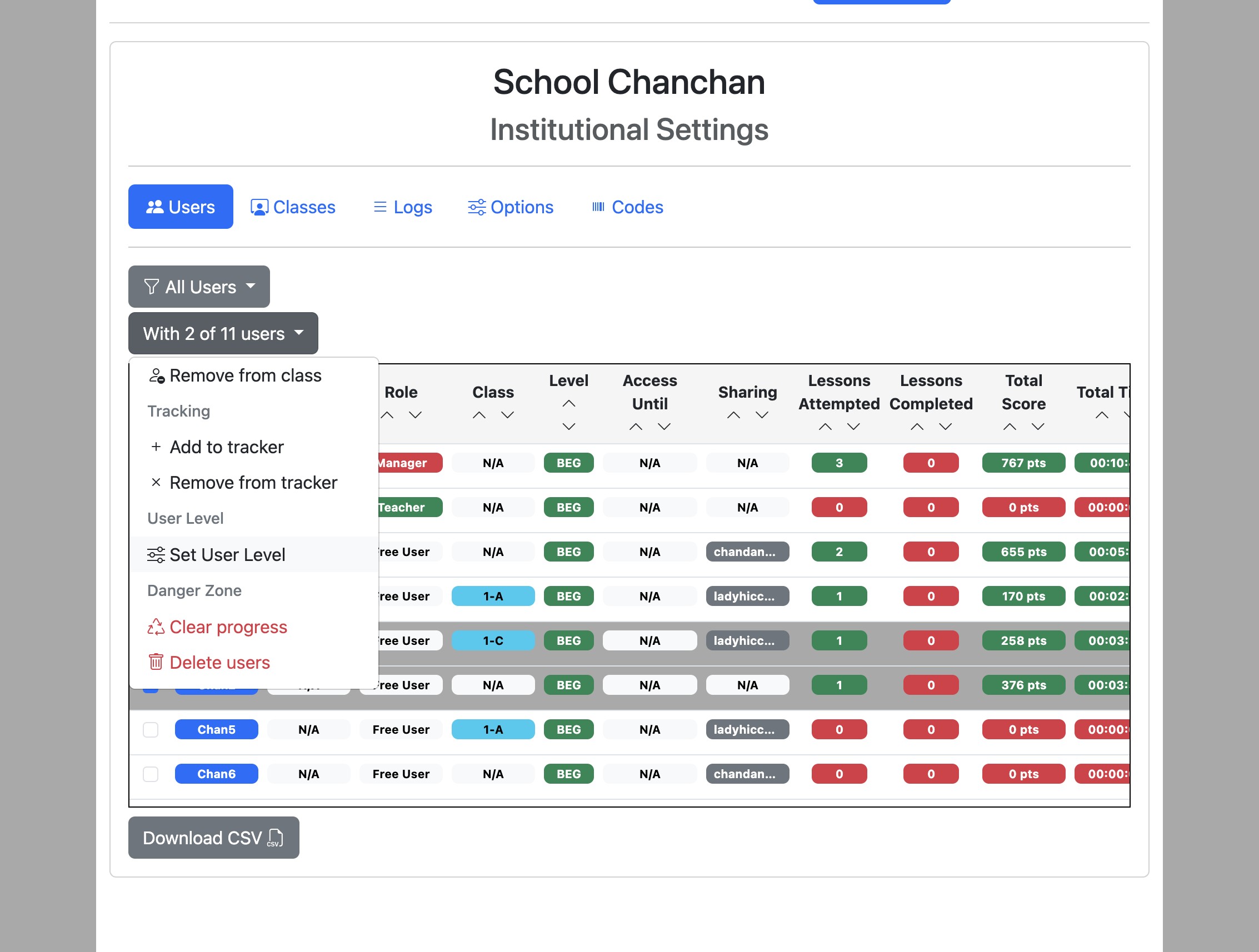
3
Click "Set User Level".
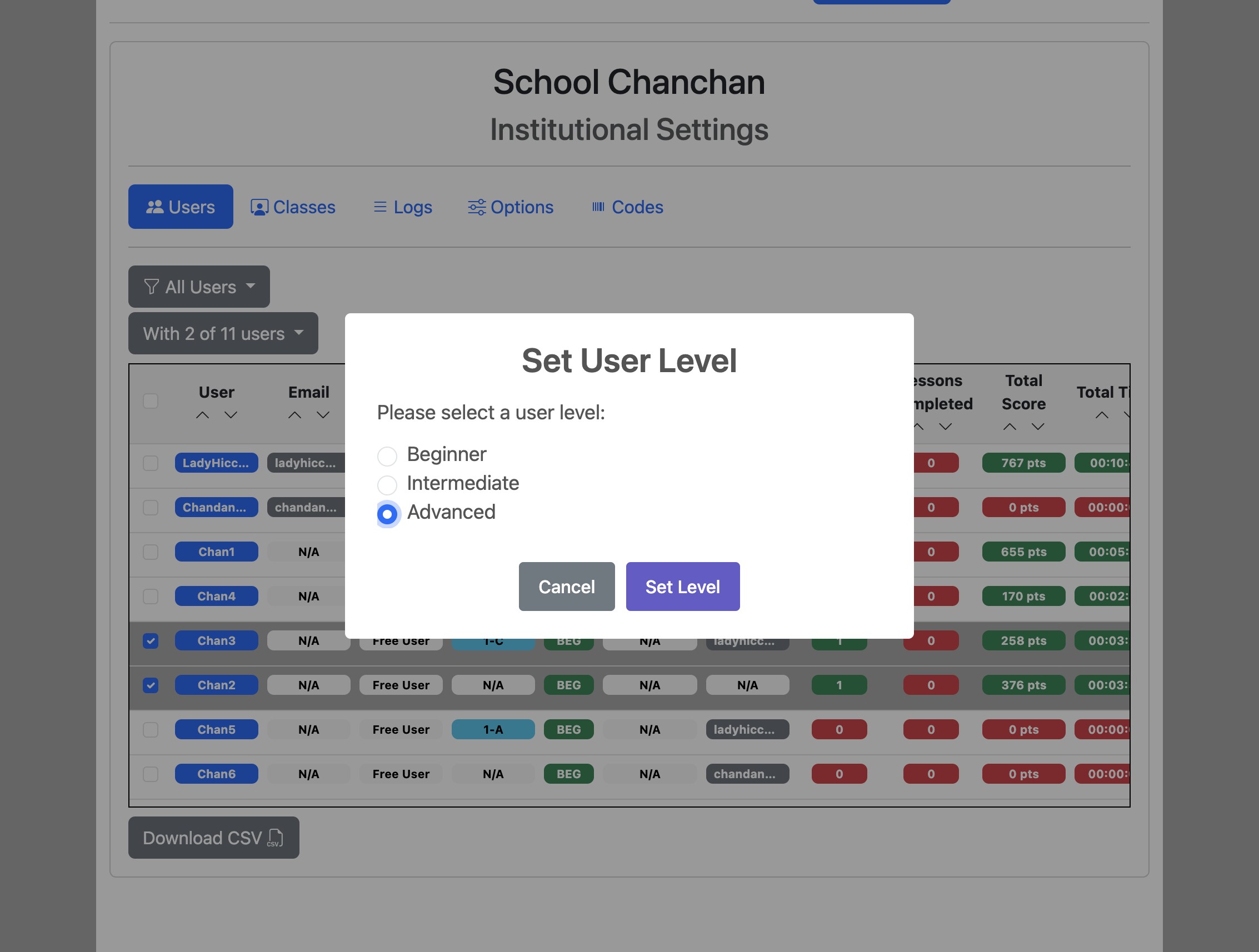
4
Select a level and click "Set Level" to confirm and save.